You are not logged in.
- Topics: Active | Unanswered
#1 2016-02-22 09:54:53
- Hwiparam
- Member
- From: Poland
- Registered: 2011-09-26
- Posts: 95
[SOLVED]WinFF - Window gets "maximized" only partially
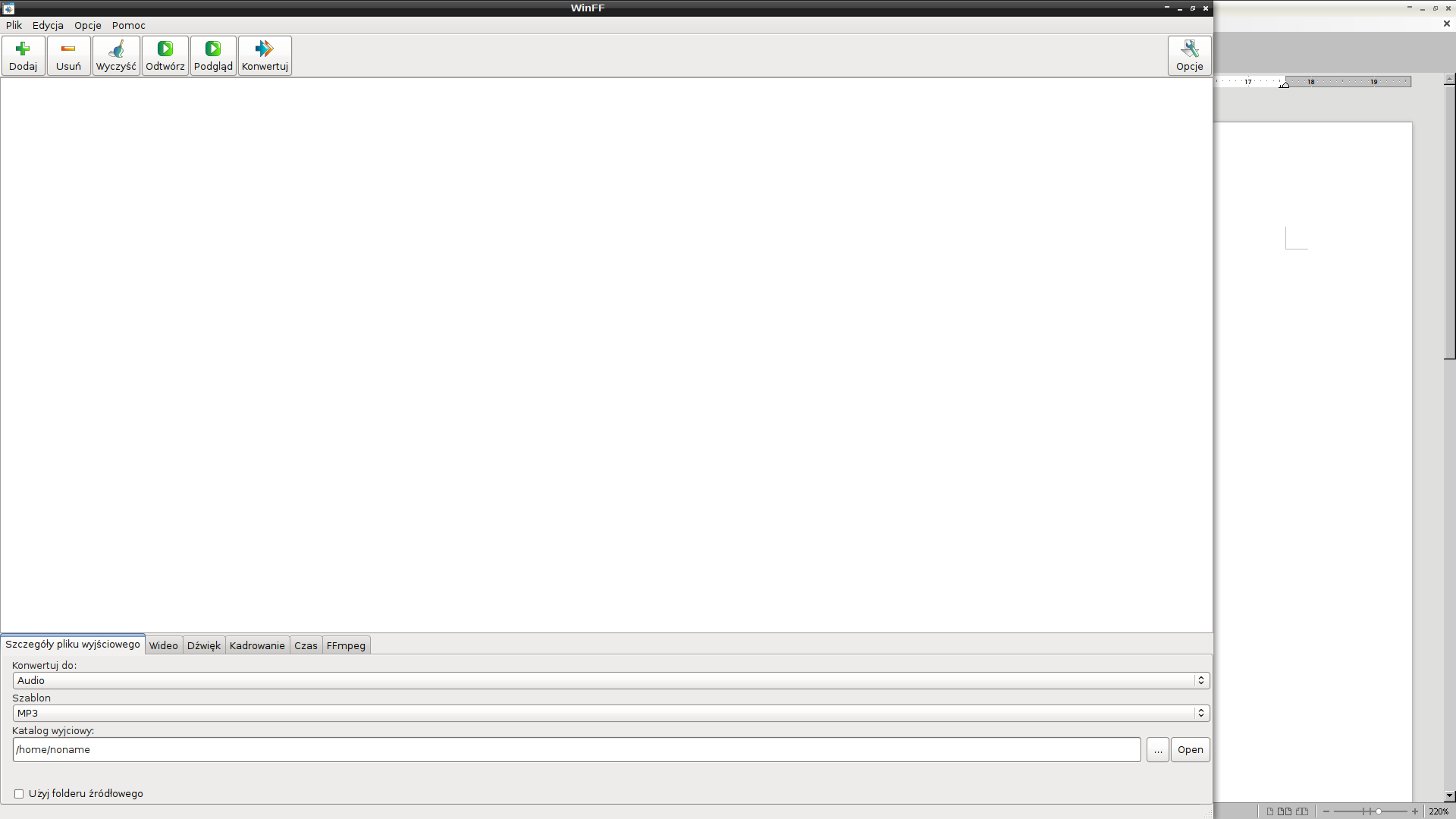
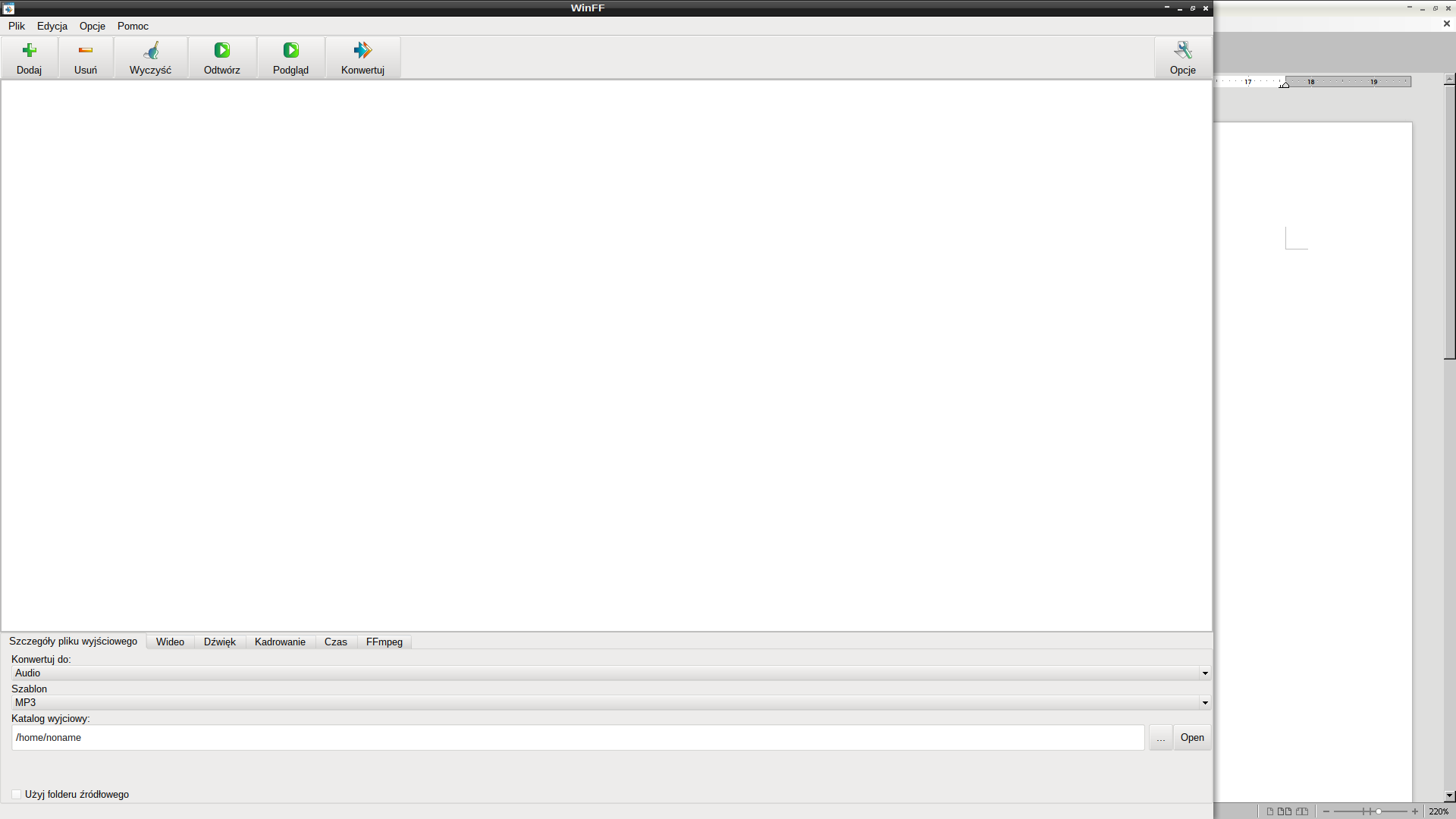
As seen in screenshots, I'm experiencing a small, but quite annoying issue with WinFF, both GTK+ and Qt version. The main window, while it's supposed to be maximized, does not cover the whole desktop. I haven't encountered that with ANY other app, only WinFF. Is it possible to solve that somehow?
P.S. I'm using pure Openbox and a 1080p screen resolution.
Any ideas?
Last edited by Hwiparam (2016-02-22 14:42:31)
Offline
#2 2016-02-22 11:42:35
- Awebb
- Member

- Registered: 2010-05-06
- Posts: 6,688
Re: [SOLVED]WinFF - Window gets "maximized" only partially
Check the window with xprop to see, whether there are any anomalies, that might confuse Openbox.
Offline
#3 2016-02-22 12:24:46
- Hwiparam
- Member
- From: Poland
- Registered: 2011-09-26
- Posts: 95
Re: [SOLVED]WinFF - Window gets "maximized" only partially
http://wklej.org/id/1987488/
I think I can see what's wrong:
WM_NORMAL_HINTS(WM_SIZE_HINTS):
		user specified location: 640, 296
		program specified location: 640, 296
		user specified size: 640 by 511
		program specified size: 640 by 511
		program specified minimum size: 640 by 400
		program specified maximum size: 1600 by 1200
		window gravity: NorthWest
As specified in one of these lines, "program specified maximum size: 1600 by 1200" and my screen resolution is 1920 * 1080.
Knowing that, what can be done to force fully maximized WinFF window?
Can I change those settings somehow, for example, via ~/.config/openbox/rc.xml ?
Offline
#4 2016-02-22 13:40:24
- Awebb
- Member
- Registered: 2010-05-06
- Posts: 6,688
Re: [SOLVED]WinFF - Window gets "maximized" only partially
A bug report would be a good start.
Offline
#5 2016-02-22 14:41:50
- Hwiparam
- Member
- From: Poland
- Registered: 2011-09-26
- Posts: 95
Re: [SOLVED]WinFF - Window gets "maximized" only partially
Thanks for your help, now, since I know about the possible solution, I think I can mark it as [solved] 
Offline