You are not logged in.
- Topics: Active | Unanswered
#1 2020-01-20 23:56:05
- Bonicgamer
- Member
- Registered: 2020-01-20
- Posts: 2
[SOLVED](VM) Installed LightDM wrong and don't know what to do
All this is in a VM so it doesn't matter too much.
I forgot about a few things when installing LightDM (namely forgetting to look at the installation guide) and now I'm stuck at this screen and don't know what to do.
https://i.ibb.co/CnnstSt/Test.jpg
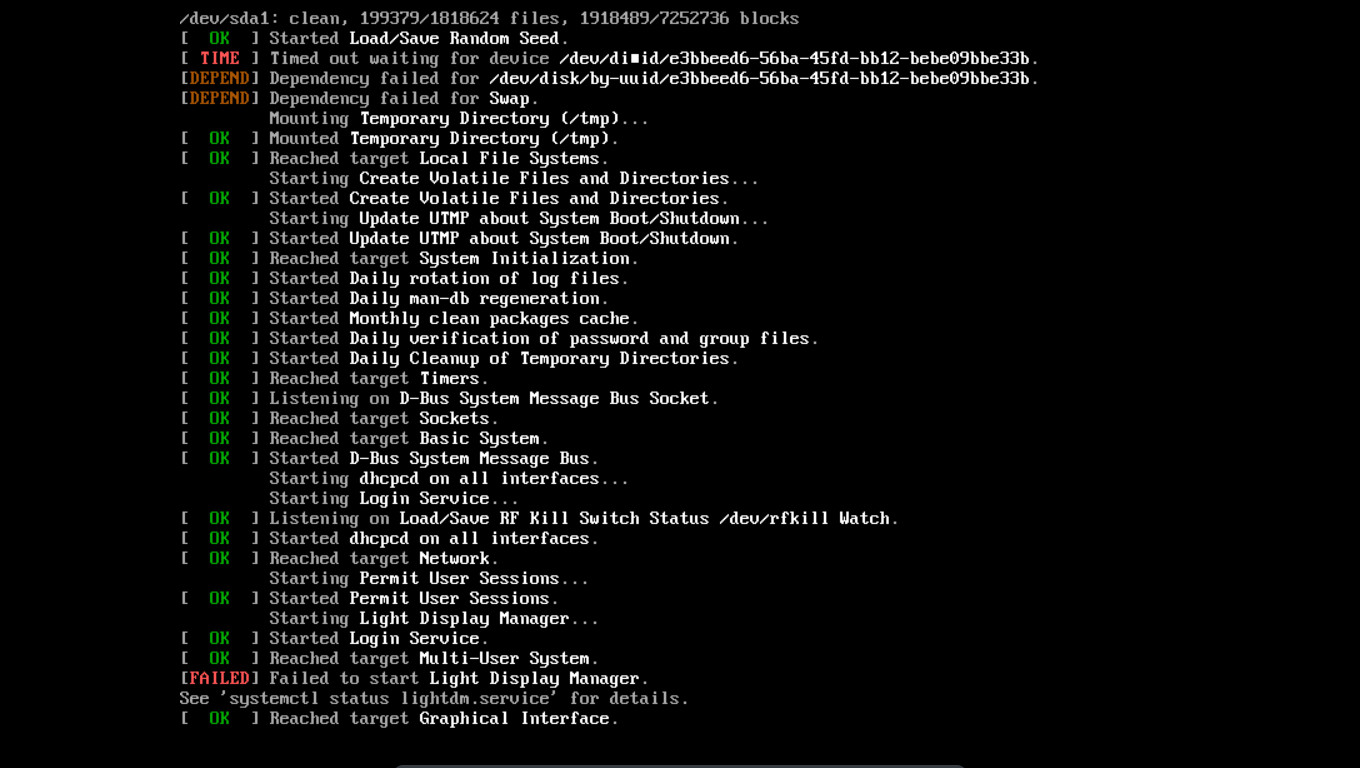
All I did was install the lightdm package and enable it using systemctl.
Do I have to just ditch the VM and start a new one? I feel like there's something else I can do but I couldn't find anything.
moderator edit -- replaced oversized image with link.
Pasting pictures and code
Last edited by Bonicgamer (2020-01-21 00:24:16)
Offline
#2 2020-01-20 23:57:41
- jasonwryan
- Anarchist

- From: .nz
- Registered: 2009-05-09
- Posts: 30,426
- Website
Re: [SOLVED](VM) Installed LightDM wrong and don't know what to do
1. Read the Code of Conduct and only post thumbnails http://wiki.archlinux.org/index.php/Cod … s_and_code
2. Switch to a TTY and disable it.
Offline
#3 2020-01-21 00:23:56
- Bonicgamer
- Member
- Registered: 2020-01-20
- Posts: 2
Re: [SOLVED](VM) Installed LightDM wrong and don't know what to do
1. Read the Code of Conduct and only post thumbnails http://wiki.archlinux.org/index.php/Cod … s_and_code
2. Switch to a TTY and disable it.
After switching to TTY on my computer, not knowing how to unswitch, and then restarting my computer to unswitch, I was able to fix the problem.
Thx.
Offline