You are not logged in.
- Topics: Active | Unanswered
#1 2023-08-14 10:05:33
- Rambo-IT
- Member
- Registered: 2023-08-14
- Posts: 14
External monitor not rendering correctly on specific resolutions
Hi,
i have fresh new arch installation on my lenovo legion 5-i laptop and i have encountred the following problem:
The is problem that, when i set the resolution to 1680x1050 on my external monitor, the display became completly segmented in orizontal lines and unusable (as show in the picture); but if i set a resolution different from 1680x1050 the rendering of the display is correct.
The PC have an integrated and dedicated Intel and Nvidia card, and the HDMI port is connected at the Nvidia card.
I have installed nvidia-optimus to switch between the two.
As graphic-server i use wayland and as desktop-enviroment i use KDE-Plasma.
Photo of the screen: https://pasteboard.co/R5RSTDRsopqs.jpg

Hope someone can help!
Offline
#2 2023-08-14 15:14:42
- seth
- Member

- From: Won't reply 2 private help req
- Registered: 2012-09-03
- Posts: 76,112
Re: External monitor not rendering correctly on specific resolutions
What exactly is "a resolution different from 1680x1050", does the same happen on X11 and then please post your xorg log and the output of "xrandr -q"
Online
#3 2023-08-14 16:18:39
- Rambo-IT
- Member
- Registered: 2023-08-14
- Posts: 14
Re: External monitor not rendering correctly on specific resolutions
With X11 the problem does not occor and the general performance of the system is a lot more fluid then Wayland.
Here is the xorg log with the wayland session: https://pastebin.com/W5Pdp9gL
The log with X11 session: https://pastebin.com/u7F9nBzZ
And the result of "xrandr -q" (with Wayland session):
Screen 0: minimum 16 x 16, current 3840 x 1200, maximum 32767 x 32767
eDP-1 connected 1920x1200+1920+0 (normal left inverted right x axis y axis) 340mm x 220mm
   1920x1200     59.86*+
   1600x1200     59.82
   1440x1080     59.87
   1400x1050     59.86
   1280x1024     59.81
   1280x960      59.79
   1152x864      59.78
   1024x768      59.68
   800x600       59.47
   640x480       59.38
   320x240       59.52
   1680x1050     59.85
   1440x900      59.75
   1280x800      59.81
   1152x720      59.75
   960x600       59.63
   928x580       59.53
   800x500       59.50
   768x480       59.38
   720x480       59.71
   640x400       59.20
   320x200       58.96
   1920x1080     59.88
   1600x900      59.82
   1368x768      59.71
   1280x720      59.65
   1024x576      59.58
   864x486       59.45
   720x400       59.55
   640x350       58.91
HDMI-A-1 connected primary 1920x1080+0+0 (normal left inverted right x axis y axis) 160mm x 90mm
   1920x1080     59.96*+
   1440x1080     59.99
   1400x1050     59.98
   1280x1024     59.89
   1280x960      59.94
   1152x864      59.96
   1024x768      59.92
   800x600       59.86
   640x480       59.38
   320x240       59.52
   1680x1050     59.95
   1440x900      59.89
   1280x800      59.81
   1152x720      59.97
   960x600       59.63
   928x580       59.88
   800x500       59.50
   768x480       59.90
   720x480       59.71
   640x400       59.95
   320x200       58.96
   1600x900      59.95
   1368x768      59.88
   1280x720      59.86
   1024x576      59.90
   864x486       59.92
   720x400       59.55
   640x350       59.77
Offline
#4 2023-08-14 16:32:28
- seth
- Member
- From: Won't reply 2 private help req
- Registered: 2012-09-03
- Posts: 76,112
Re: External monitor not rendering correctly on specific resolutions
xrandr is mostly useless on wayland.
Nevertheless, does 1920x1080 (the apparent current HDMI resolution) work ok on wayland?
Does 1600x900 ? (Why are you trying to use a 16:10 modeline to begin with?)
Do you actually have https://wiki.archlinux.org/title/NVIDIA … de_setting enabled?
If so, check the EDID in /sys/class/drm/card1-HDMI*/edid, https://aur.archlinux.org/packages/edid-decode-git
Online
#5 2023-08-14 17:22:51
- Rambo-IT
- Member
- Registered: 2023-08-14
- Posts: 14
Re: External monitor not rendering correctly on specific resolutions
the 1920x1080 resolution work fine with this monitor, but i have another 16:10 monitor that goes up to max 1680x1050.
The problem is that in both monitor the 1680x1050 and 1440x900 resolution give me problems (both 16:10), but the 1280x800 resolution (also 16:10) work fine.
If i try to set the resolution to 1600x900 with this command
xrandr --output HDMI-A-1 --mode "1600x900"i get the following error:
X Error of failed request:  BadMatch (invalid parameter attributes)
  Major opcode of failed request:  140 (RANDR)
  Minor opcode of failed request:  7 (RRSetScreenSize)
  Serial number of failed request:  22
  Current serial number in output stream:  23
I also set the kernel parameter by modifying the line GRUB_CMDLINE_LINUX_DEFAULT in /etc/default/grub file in the following way:
GRUB_CMDLINE_LINUX_DEFAULT="nvidia_drm.modeset=1 loglevel=3 quiet"The result of edid-decode is:
edid-decode (hex):

00 ff ff ff ff ff ff 00 4c 2d 86 04 00 00 00 00
06 13 01 03 80 10 09 78 0a ee 91 a3 54 4c 99 26
0f 50 54 bf ef 80 71 4f 81 40 81 80 a9 40 81 00
b3 00 95 00 01 01 02 3a 80 18 71 38 2d 40 58 2c
45 00 a0 5a 00 00 00 1e 01 1d 00 bc 52 d0 1e 20
b8 28 55 40 a0 5a 00 00 00 1e 00 00 00 fd 00 18
4b 1a 51 17 00 0a 20 20 20 20 20 20 00 00 00 fc
00 53 79 6e 63 4d 61 73 74 65 72 0a 20 20 01 a5

02 03 23 f1 4b 93 04 05 14 03 12 10 1f 20 21 22
23 09 07 07 83 01 00 00 e2 00 0f 67 03 0c 00 10
00 b8 2d 01 1d 80 d0 72 1c 16 20 10 2c 25 80 a0
5a 00 00 00 9e 01 1d 80 18 71 1c 16 20 58 2c 25
00 a0 5a 00 00 00 9e 01 1d 00 72 51 d0 1e 20 6e
28 55 00 a0 5a 00 00 00 1e 8c 0a d0 90 20 40 31
20 0c 40 55 00 a0 5a 00 00 00 18 00 00 00 00 00
00 00 00 00 00 00 00 00 00 00 00 00 00 00 00 7a

----------------

Block 0, Base EDID:
  EDID Structure Version & Revision: 1.3
  Vendor & Product Identification:
    Manufacturer: SAM
    Model: 1158
    Made in: week 6 of 2009
  Basic Display Parameters & Features:
    Digital display
    Maximum image size: 16 cm x 9 cm
    Gamma: 2.20
    RGB color display
    First detailed timing is the preferred timing
  Color Characteristics:
    Red  : 0.6396, 0.3300
    Green: 0.2998, 0.5996
    Blue : 0.1503, 0.0595
    White: 0.3125, 0.3291
  Established Timings I & II:
    IBM     :   720x400    70.081663 Hz   9:5     31.467 kHz     28.320000 MHz
    DMT 0x04:   640x480    59.940476 Hz   4:3     31.469 kHz     25.175000 MHz
    Apple   :   640x480    66.666667 Hz   4:3     35.000 kHz     30.240000 MHz
    DMT 0x05:   640x480    72.808802 Hz   4:3     37.861 kHz     31.500000 MHz
    DMT 0x06:   640x480    75.000000 Hz   4:3     37.500 kHz     31.500000 MHz
    DMT 0x08:   800x600    56.250000 Hz   4:3     35.156 kHz     36.000000 MHz
    DMT 0x09:   800x600    60.316541 Hz   4:3     37.879 kHz     40.000000 MHz
    DMT 0x0a:   800x600    72.187572 Hz   4:3     48.077 kHz     50.000000 MHz
    DMT 0x0b:   800x600    75.000000 Hz   4:3     46.875 kHz     49.500000 MHz
    Apple   :   832x624    74.551266 Hz   4:3     49.726 kHz     57.284000 MHz
    DMT 0x10:  1024x768    60.003840 Hz   4:3     48.363 kHz     65.000000 MHz
    DMT 0x11:  1024x768    70.069359 Hz   4:3     56.476 kHz     75.000000 MHz
    DMT 0x12:  1024x768    75.028582 Hz   4:3     60.023 kHz     78.750000 MHz
    DMT 0x24:  1280x1024   75.024675 Hz   5:4     79.976 kHz    135.000000 MHz
    Apple   :  1152x870    75.061550 Hz 192:145   68.681 kHz    100.000000 MHz
  Standard Timings:
    DMT 0x15:  1152x864    75.000000 Hz   4:3     67.500 kHz    108.000000 MHz
    DMT 0x20:  1280x960    60.000000 Hz   4:3     60.000 kHz    108.000000 MHz
    DMT 0x23:  1280x1024   60.019740 Hz   5:4     63.981 kHz    108.000000 MHz
    DMT 0x33:  1600x1200   60.000000 Hz   4:3     75.000 kHz    162.000000 MHz
    DMT 0x1c:  1280x800    59.810326 Hz  16:10    49.702 kHz     83.500000 MHz
    DMT 0x3a:  1680x1050   59.954250 Hz  16:10    65.290 kHz    146.250000 MHz
    DMT 0x2f:  1440x900    59.887445 Hz  16:10    55.935 kHz    106.500000 MHz
  Detailed Timing Descriptors:
    DTD 1:  1920x1080   60.000000 Hz  16:9     67.500 kHz    148.500000 MHz (160 mm x 90 mm)
                 Hfront   88 Hsync  44 Hback  148 Hpol P
                 Vfront    4 Vsync   5 Vback   36 Vpol P
    DTD 2:  1280x720    50.000000 Hz  16:9     37.500 kHz     74.250000 MHz (160 mm x 90 mm)
                 Hfront  440 Hsync  40 Hback  220 Hpol P
                 Vfront    5 Vsync   5 Vback   20 Vpol P
    Display Range Limits:
      Monitor ranges (GTF): 24-75 Hz V, 26-81 kHz H, max dotclock 230 MHz
    Display Product Name: 'SyncMaster'
  Extension blocks: 1
Checksum: 0xa5

----------------

Block 1, CTA-861 Extension Block:
  Revision: 3
  Underscans IT Video Formats by default
  Basic audio support
  Supports YCbCr 4:4:4
  Supports YCbCr 4:2:2
  Native detailed modes: 1
  Video Data Block:
    VIC  19:  1280x720    50.000000 Hz  16:9     37.500 kHz     74.250000 MHz (native)
    VIC   4:  1280x720    60.000000 Hz  16:9     45.000 kHz     74.250000 MHz
    VIC   5:  1920x1080i  60.000000 Hz  16:9     33.750 kHz     74.250000 MHz
    VIC  20:  1920x1080i  50.000000 Hz  16:9     28.125 kHz     74.250000 MHz
    VIC   3:   720x480    59.940060 Hz  16:9     31.469 kHz     27.000000 MHz
    VIC  18:   720x576    50.000000 Hz  16:9     31.250 kHz     27.000000 MHz
    VIC  16:  1920x1080   60.000000 Hz  16:9     67.500 kHz    148.500000 MHz
    VIC  31:  1920x1080   50.000000 Hz  16:9     56.250 kHz    148.500000 MHz
    VIC  32:  1920x1080   24.000000 Hz  16:9     27.000 kHz     74.250000 MHz
    VIC  33:  1920x1080   25.000000 Hz  16:9     28.125 kHz     74.250000 MHz
    VIC  34:  1920x1080   30.000000 Hz  16:9     33.750 kHz     74.250000 MHz
  Audio Data Block:
    Linear PCM:
      Max channels: 2
      Supported sample rates (kHz): 48 44.1 32
      Supported sample sizes (bits): 24 20 16
  Speaker Allocation Data Block:
    FL/FR - Front Left/Right
  Video Capability Data Block:
    YCbCr quantization: No Data
    RGB quantization: No Data
    PT scan behavior: No Data
    IT scan behavior: Supports both over- and underscan
    CE scan behavior: Supports both over- and underscan
  Vendor-Specific Data Block (HDMI), OUI 00-0C-03:
    Source physical address: 1.0.0.0
    Supports_AI
    DC_36bit
    DC_30bit
    DC_Y444
    Maximum TMDS clock: 225 MHz
  Detailed Timing Descriptors:
    DTD 3:  1920x1080i  50.000000 Hz  16:9     28.125 kHz     74.250000 MHz (160 mm x 90 mm)
                 Hfront  528 Hsync  44 Hback  148 Hpol P
                 Vfront    2 Vsync   5 Vback   15 Vpol P Vfront +0.5 Odd Field
                 Vfront    2 Vsync   5 Vback   15 Vpol P Vback  +0.5 Even Field
    DTD 4:  1920x1080i  60.000000 Hz  16:9     33.750 kHz     74.250000 MHz (160 mm x 90 mm)
                 Hfront   88 Hsync  44 Hback  148 Hpol P
                 Vfront    2 Vsync   5 Vback   15 Vpol P Vfront +0.5 Odd Field
                 Vfront    2 Vsync   5 Vback   15 Vpol P Vback  +0.5 Even Field
    DTD 5:  1280x720    60.000000 Hz  16:9     45.000 kHz     74.250000 MHz (160 mm x 90 mm)
                 Hfront  110 Hsync  40 Hback  220 Hpol P
                 Vfront    5 Vsync   5 Vback   20 Vpol P
    DTD 6:   720x576    50.000000 Hz   5:4     31.250 kHz     27.000000 MHz (160 mm x 90 mm)
                 Hfront   12 Hsync  64 Hback   68 Hpol N
                 Vfront    5 Vsync   5 Vback   39 Vpol N
Checksum: 0x7a  Unused space in Extension Block: 20 bytes
Offline
#6 2023-08-14 21:22:26
- seth
- Member
- From: Won't reply 2 private help req
- Registered: 2012-09-03
- Posts: 76,112
Re: External monitor not rendering correctly on specific resolutions
The EDID you posted doesn't advertise 1600x900 (probably added by the server) - you can get the nvidia ddx driver to ignore that, but that's irrelevant to your problem.
So it's not the signal rate, the polarity of the 1080p modeline there looks off, but that mode works.
Compare the output of "xrandr --verbose" when setting a bad mode (1680x1050) on X11 and wayland.
(I don't know whether the wayland will produce meaningful/reliable output, but it's my best idea for what might be different.
Finally, check the behavior w/ a different wayland compositor like sway or weston to rule out that this is just a weird bug in kwin_wayland.
Online
#7 2023-08-15 20:26:48
- Rambo-IT
- Member
- Registered: 2023-08-14
- Posts: 14
Re: External monitor not rendering correctly on specific resolutions
xrandr wayland: https://pastebin.com/eKG3Aw9H
xrandr X11: https://pastebin.com/uzLFKHXu
the wayland log is much shorter then X11.
for the compositor i didn't get how to use them as a compositor, because after the installation, i was only able to open them as a windows inside the current wayland/X11 session or as a very basic standalone session, but without any plasma inside
Offline
#8 2023-08-15 20:52:13
- seth
- Member
- From: Won't reply 2 private help req
- Registered: 2012-09-03
- Posts: 76,112
Re: External monitor not rendering correctly on specific resolutions
for the compositor i didn't get how to use them as a compositor
You choose them as session type in whatever you DM probably use.
the wayland log is much shorter then X11.
The wayland randr emulation does't have the actual EDID
  1680x1050 (0x65) 146.250MHz -HSync +VSync *current
        h: width  1680 start 1784 end 1960 total 2240 skew    0 clock  65.29KHz
        v: height 1050 start 1053 end 1059 total 1089           clock  59.95Hz

  1680x1050 (0x30) 146.000MHz -HSync +VSync *current +preferred
        h: width  1680 start 1784 end 1960 total 2240 skew    0 clock  65.18KHz
        v: height 1050 start 1053 end 1059 total 1089           clock  59.85Hz
They're running slightly different modelines, X11 gets it from the EDID standrd timings:
DMT 0x3a: 1680x1050 59.954250 Hz 16:10 65.290 kHz 146.250000 MHzwhich is also the standard CVT1 mode (no reduced blanking)
Not sure why wayland runs a marginally slower clock, or this is some rounding issue and I doubt it matters: the eDP has a similar deviance.
=> The artifacts likely do not stem from a bad modeline, but exist in the compositors render.
Try one of the other compositors first.
Online
#9 2023-08-16 14:34:12
- Rambo-IT
- Member
- Registered: 2023-08-14
- Posts: 14
Re: External monitor not rendering correctly on specific resolutions
I tried again changing the compositor following this https://wiki.archlinux.org/title/SDDM#KDE_/_KWin but i was able to open again just a basic weston session without any theme.
i think i'm missing something...
Offline
#10 2023-08-16 14:39:50
- seth
- Member
- From: Won't reply 2 private help req
- Registered: 2012-09-03
- Posts: 76,112
Re: External monitor not rendering correctly on specific resolutions
What? You just click the gear or whatever the icon looks like in SDDM and select a weston session, then log into that.
Do NOT log into a KDE session first.
Online
#11 2023-08-16 15:48:53
- Rambo-IT
- Member
- Registered: 2023-08-14
- Posts: 14
Re: External monitor not rendering correctly on specific resolutions
In the login screen i have 3 options
- Plasma(X11)
- Plasma(Wayland)
- Weston
if i open the Weston session i get this enviroment https://linux-cdn.softpedia.com/screens … land_1.png and the HDMI monitor is not detected anymore, probably because its not possible to switch graphic card with optimus-manager.
if i try to change any resolution with
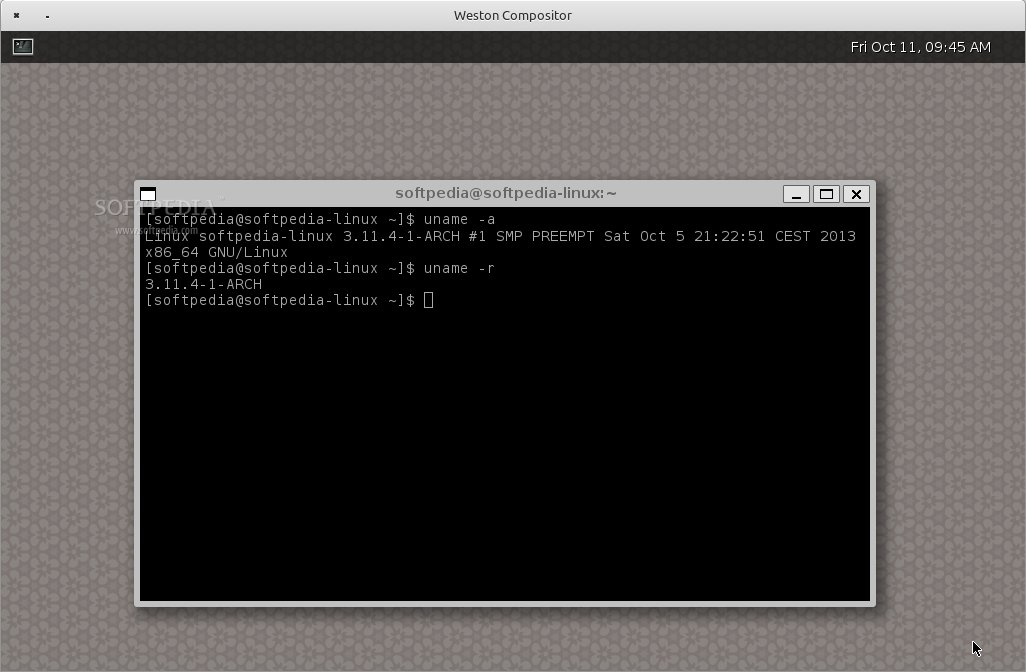
xrandr --output eDP-1 --mode 1920x1440i get
X Error of failed request:  BadMatch (invalid parameter attributes)
  Major opcode of failed request:  140 (RANDR)
  Minor opcode of failed request:  7 (RRSetScreenSize)
  Serial number of failed request:  22
  Current serial number in output stream:  23
Offline
#12 2023-08-16 16:06:10
- seth
- Member
- From: Won't reply 2 private help req
- Registered: 2012-09-03
- Posts: 76,112
Re: External monitor not rendering correctly on specific resolutions
That's weston, but it looks nested? Why is there a window decoration around the desktop?
https://aur.archlinux.org/packages/wlr-randr
Edit: or https://aur.archlinux.org/packages/wlr-randr-git (idk. whether there're still build issues w/ the first)
Last edited by seth (2023-08-16 16:07:29)
Online
#13 2023-08-17 07:06:36
- Rambo-IT
- Member
- Registered: 2023-08-14
- Posts: 14
Re: External monitor not rendering correctly on specific resolutions
Sorry, wrong weston example, there isn't a windows, is like this: https://upload.wikimedia.org/wikipedia/ … enshot.png
if i try to run this
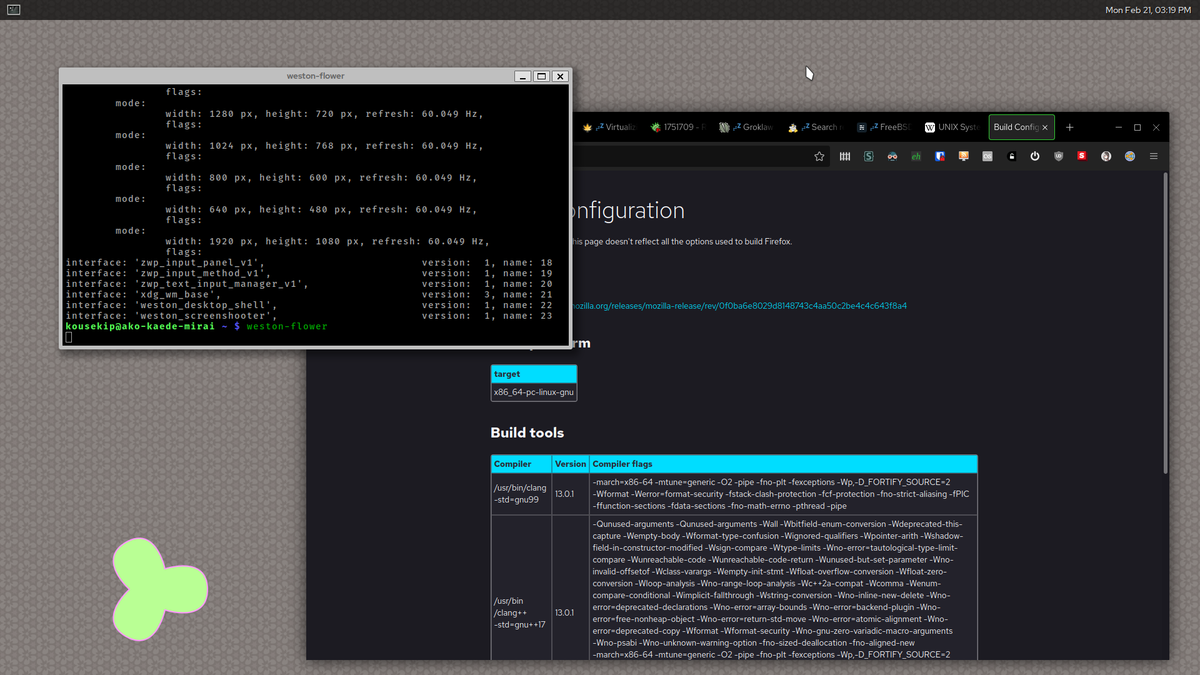
https://aur.archlinux.org/packages/wlr-randr-gitin a wayland or weston session i get this error:
compositor doesn't support wlr-output-management-unstable-v1Do i need to install some wayland protocols?
Or i found this command
kscreen-doctorbut idk if it does the same things then wlr-randr
Offline