You are not logged in.
- Topics: Active | Unanswered
Pages: 1
#1 2007-02-11 09:37:07
- dids22
- Member
- Registered: 2007-01-02
- Posts: 251
no sound
i need to configure mt sound card before using him?
i have integral card on mb
Offline
#2 2007-02-11 10:11:07
- RaisedFist
- Member
- From: Romania
- Registered: 2007-01-30
- Posts: 556
- Website
Re: no sound
Use alsaconf. It will detect your soundcard and will load the kernel modules.
Then add yourself to the 'audio' group:
usermod -G audio [username]Then, add alsa to the daemons in /etc/rc.conf
DAEMONS = (syslog-ng network ..... alsa)I think this should solve it.
Offline
#3 2007-02-11 12:02:38
- Titus
- Member

- From: Izmir
- Registered: 2006-05-11
- Posts: 120
- Website
Re: no sound
and after that if you still don't have sound do these:
#alsamixerand unmute all channels, and for last step
#alsactl storeso your settings will be saved.
In a world without walls,who need windows?
Offline
#4 2007-02-11 18:39:46
- dids22
- Member
- Registered: 2007-01-02
- Posts: 251
Re: no sound
where i need to add this { usermod -G audio [username] }??
- i have only root user, should i do more?how?
- there is voice now ,but see which eror i got (i hear the song) http://img78.imageshack.us/my.php?image … hotvu1.png

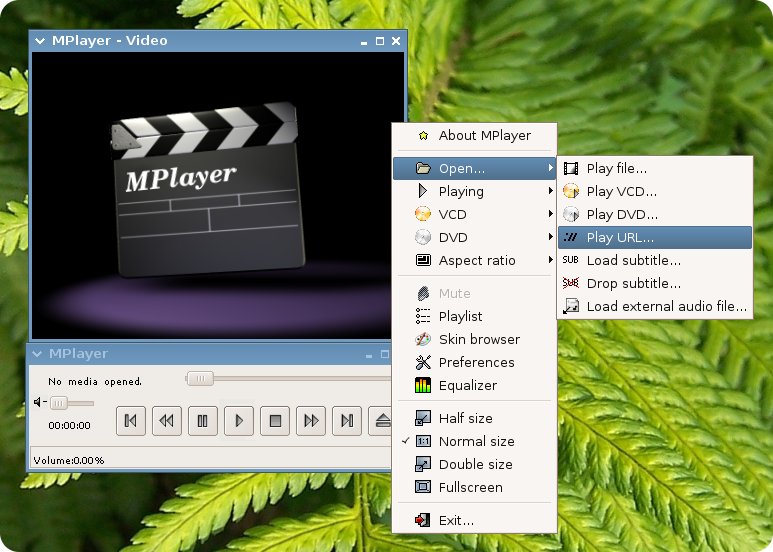
-why the mplayer look so ugly, i remmber him like this
http://kldp.org/files/mplayer-clearlookskin1_189.png
Offline
#5 2007-02-12 17:16:39
- dids22
- Member
- Registered: 2007-01-02
- Posts: 251
Re: no sound
well, i create new user and gnome boot-up automatic now
now when i'm trying to open volume control i get this message
"no volume control GStreamer plugins and\or devices found."

Offline
Pages: 1