You are not logged in.
- Topics: Active | Unanswered
#1 2025-08-21 08:35:17
- tugoese
- Member
- Registered: 2023-10-15
- Posts: 63
[CLOSED] Firefox: Hardware video acceleration
I'm on GT 610
libva-nvidia-driver 0.0.14-1
linux-firmware-nvidia 20250708-1
nvidia-390xx-dkms 390.157-17
nvidia-390xx-utils 390.157-17
nvidia-settings 575.64.05-1
opencl-nvidia-390xx 390.157-17
Here's my environment variables
MOZ_DISABLE_RDD_SANDBOX=1
LIBVA_DRIVER_NAME=nvidia
VDPAU_DRIVER=nvidia
MOZ_X11_EGL=1
NVD_BACKEND=direct
But vainfo
Trying display: x11
libva error: vaGetDriverNames() failed with unknown libva error
Cannot load cuvidGetDecodeStatus
libva error: /usr/lib/dri/nvidia_drv_video.so init failed
vaInitialize failed with error code 1 (operation failed),exit
Last time I tried this, it worked but Firefox crashed frequently so I wanna give it a second chance
Last edited by tugoese (2026-01-06 09:45:24)
Offline
#2 2025-08-21 09:40:49
- Lone_Wolf
- Administrator

- From: Netherlands, Europe
- Registered: 2005-10-04
- Posts: 15,445
Re: [CLOSED] Firefox: Hardware video acceleration
nvidia-settings 575.64.05-1Why do you have nvidia-setting instead of nvidia-390xx-settings ?
Disliking systemd intensely, but not satisfied with alternatives so focusing on taming systemd.
clean chroot building not flexible enough ?
Try clean chroot manager by graysky
Offline
#3 2025-08-21 09:47:57
- Xephon
- Member
- Registered: 2024-12-22
- Posts: 191
Re: [CLOSED] Firefox: Hardware video acceleration
It's not going to work.
https://github.com/elFarto/nvidia-vaapi … stallation
Requirements
NVIDIA driver series 470 or 500+
https://github.com/elFarto/nvidia-vaapi … issues/240
user
I'm using old but descent GT610 fanless card with the latest legacy nvidia driver 390.157. I've read that minimum version is 470 but still trying to deploy you driver and get init error
...
Could you explain, is it totally impossible to implement you driver with 390 driver series?developer
Yes, it's impossible for it to work on this driver version as it doesn't support DMA-BUF at all, which is required.
Offline
#4 2025-08-21 11:46:20
- tugoese
- Member
- Registered: 2023-10-15
- Posts: 63
Re: [CLOSED] Firefox: Hardware video acceleration
Why do you have nvidia-setting instead of nvidia-390xx-settings ?
Maybe because it's outdated & no longer maintained?
Is it safe to install the 390xx?
It's not going to work.
https://github.com/elFarto/nvidia-vaapi … issues/240
Oh, I didn't know about that, well then what do I need to do to make better video playback especially on 60fps (Youtube), I tried https://addons.mozilla.org/firefox/addo … d-h264ify/ it helps a bit but still getting consistent frame drops
Offline
#5 2025-08-21 15:07:30
- Xephon
- Member
- Registered: 2024-12-22
- Posts: 191
Re: [CLOSED] Firefox: Hardware video acceleration
...what do I need to do to make better video playback especially on 60fps (Youtube)...
Nothing you can do basically except getting a new graphics card. If you have iGPU try to use that.
Edit: actually nouveau supports H264 decoding on your card. Hardware acceleration should work using the extension you mentioned in your last post.
Last edited by Xephon (2025-08-21 17:20:08)
Offline
#6 2025-08-22 08:35:55
- Lone_Wolf
- Administrator
- From: Netherlands, Europe
- Registered: 2005-10-04
- Posts: 15,445
Re: [CLOSED] Firefox: Hardware video acceleration
nvidia-390xx-dkms , nvidia-390xx-utils and nvidia-390xx-settings are a package deal : use all 3 or none.
Disliking systemd intensely, but not satisfied with alternatives so focusing on taming systemd.
clean chroot building not flexible enough ?
Try clean chroot manager by graysky
Offline
#7 2025-08-23 04:03:31
- 2goese
- Member
- Registered: 2023-10-18
- Posts: 20
Re: [CLOSED] Firefox: Hardware video acceleration
nvidia-390xx-dkms , nvidia-390xx-utils and nvidia-390xx-settings are a package deal : use all 3 or none.
I uninstalled them
Edit: actually nouveau supports H264 decoding on your card
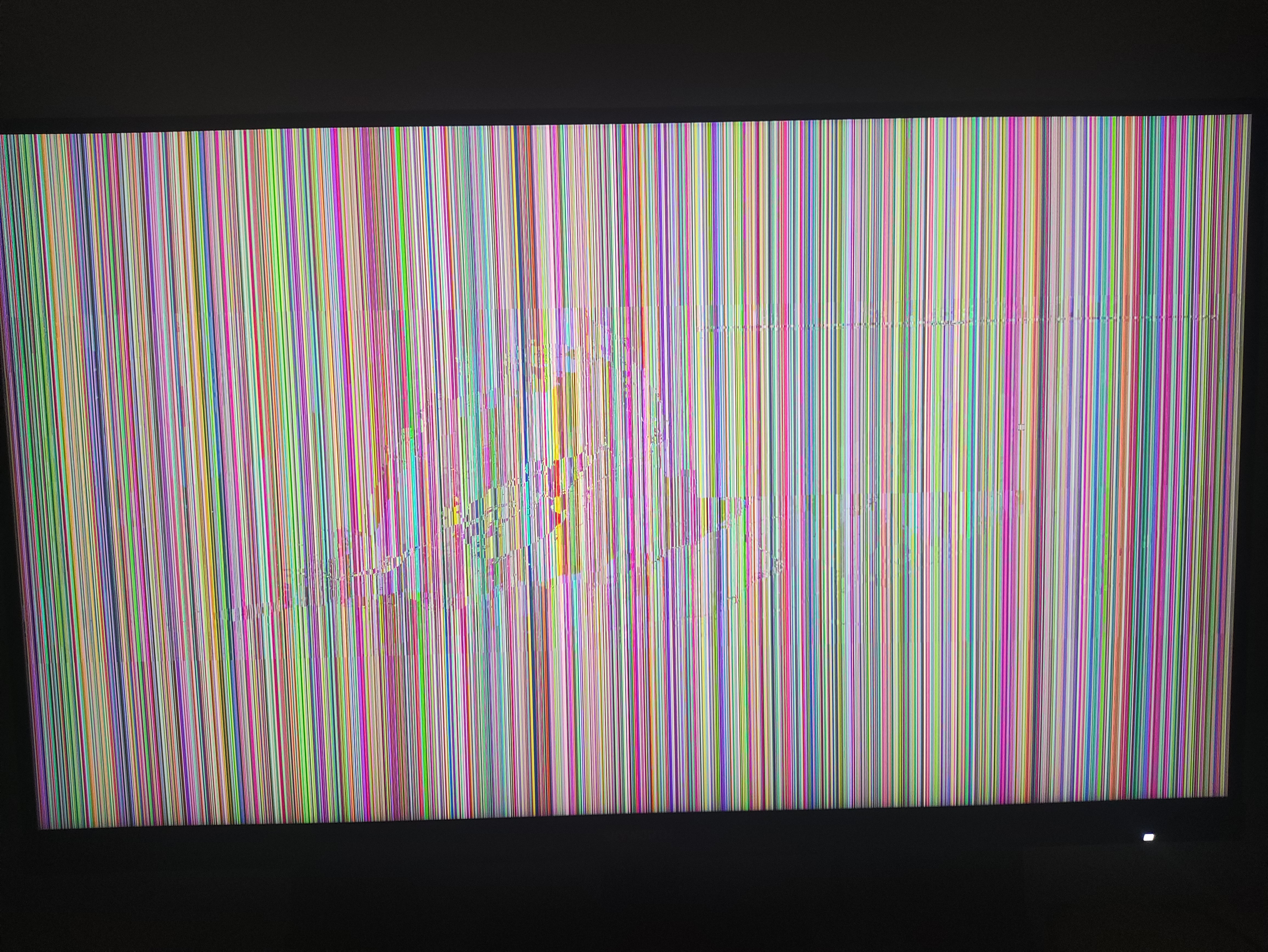
I tried that but this happened, it's working fine though I could type in my terminal
Offline
#8 2025-08-23 10:20:16
- Lone_Wolf
- Administrator
- From: Netherlands, Europe
- Registered: 2005-10-04
- Posts: 15,445
Re: [CLOSED] Firefox: Hardware video acceleration
Please post your xorg log
Disliking systemd intensely, but not satisfied with alternatives so focusing on taming systemd.
clean chroot building not flexible enough ?
Try clean chroot manager by graysky
Offline
#9 2025-08-23 11:32:53
- 2goese
- Member
- Registered: 2023-10-18
- Posts: 20
Re: [CLOSED] Firefox: Hardware video acceleration
Offline
#10 2025-08-23 11:54:46
- Lone_Wolf
- Administrator
- From: Netherlands, Europe
- Registered: 2005-10-04
- Posts: 15,445
Re: [CLOSED] Firefox: Hardware video acceleration
[ 44.893] (==) Using config file: "/etc/X11/xorg.conf"The unsupported and obsolete messages scattered throughout the log suggest that's made by a tool ()nvidia-xconfig? ) that was useful before X got reliable automagick detection over 10 years ago .
Remove etc/X11/xorg,conf and also xf86-video-vesa .
Reboot (or restart X) and post fresh xorg log .
Also post the full output of lspci -k
Last edited by Lone_Wolf (2025-08-23 11:55:20)
Disliking systemd intensely, but not satisfied with alternatives so focusing on taming systemd.
clean chroot building not flexible enough ?
Try clean chroot manager by graysky
Offline
#12 2025-08-23 15:34:14
- Lone_Wolf
- Administrator
- From: Netherlands, Europe
- Registered: 2005-10-04
- Posts: 15,445
Re: [CLOSED] Firefox: Hardware video acceleration
[    45.688] (==) Using config directory: "/etc/X11/xorg.conf.d"


[    49.757] (WW) modeset(0): Option "ForceFullCompositionPipeline" is not used
[    49.757] (WW) modeset(0): Option "AllowIndirectGLXProtocol" is not used
[    49.757] (WW) modeset(0): Option "TripleBuffer" is not used
Log looks better, but there is still something hardcoding stuff.
There are some packages that place files in that folder, but not many .
Please post the output of ls -al /etc/X11/xorg.conf.d .
Disliking systemd intensely, but not satisfied with alternatives so focusing on taming systemd.
clean chroot building not flexible enough ?
Try clean chroot manager by graysky
Offline
#13 2025-08-23 16:02:44
- 2goese
- Member
- Registered: 2023-10-18
- Posts: 20
Re: [CLOSED] Firefox: Hardware video acceleration
ls -al /etc/X11/xorg.conf.d
total 12
drwxr-xr-x 2 root root 4096 Jul  8 13:59 .
drwxr-xr-x 4 root root 4096 Aug 23 21:50 ..
-rw-r--r-- 1 root root  203 Jan 14  2024 20-nvidia.conf
20-nvidia.conf
Section "Screen"
    Identifier     "Screen0"
    Option         "ForceFullCompositionPipeline" "on"
    Option         "AllowIndirectGLXProtocol" "off"
    Option         "TripleBuffer" "on"
EndSection
Edit: Removed the file & disabled nvidia_drm.modeset still not working
Last edited by 2goese (2025-08-24 03:01:10)
Offline
#14 2025-08-24 03:01:35
- 2goese
- Member
- Registered: 2023-10-18
- Posts: 20
Re: [CLOSED] Firefox: Hardware video acceleration
So I filter the new log with "EE", here's what I found:
[    47.923] (EE) Failed to load module "nouveau" (module does not exist, 0)
[    47.923] (EE) Failed to load module "nv" (module does not exist, 0)
[    48.000] (EE) Failed to load module "fbdev" (module does not exist, 0)
[    48.001] (EE) Failed to load module "vesa" (module does not exist, 0)
Offline
#15 2025-08-24 03:31:24
- tugoese
- Member
- Registered: 2023-10-15
- Posts: 63
Re: [CLOSED] Firefox: Hardware video acceleration
I had to install xf86-video-nouveau and it worked.
It perform much worse in firefox even scrolling got laggy
Offline
#16 2025-08-24 06:14:52
- Xephon
- Member
- Registered: 2024-12-22
- Posts: 191
Re: [CLOSED] Firefox: Hardware video acceleration
Get rid of libva-nvidia-driver specific environment variables you posted in #1
Set
LIBVA_DRIVER_NAME=nouveauDid you install additional packages for nouveau https://wiki.archlinux.org/title/Hardwa … ion#NVIDIA ?
Offline
#17 2025-08-24 08:02:24
- tugoese
- Member
- Registered: 2023-10-15
- Posts: 63
Re: [CLOSED] Firefox: Hardware video acceleration
Did you install additional packages for nouveau?
Yes I did (nouveau-fw & mesa) also linux-firmware-nvidia
Here's an updated vainfo:
Trying display: x11
vainfo: VA-API version: 1.22 (libva 2.22.0)
vainfo: Driver version: Mesa Gallium driver 25.1.7-arch1.1 for NVD9
vainfo: Supported profile and entrypoints
      VAProfileMPEG2Simple            : VAEntrypointVLD
      VAProfileMPEG2Main              : VAEntrypointVLD
      VAProfileVC1Simple              : VAEntrypointVLD
      VAProfileVC1Main                : VAEntrypointVLD
      VAProfileVC1Advanced            : VAEntrypointVLD
      VAProfileH264ConstrainedBaseline: VAEntrypointVLD
      VAProfileH264Main               : VAEntrypointVLD
      VAProfileH264High               : VAEntrypointVLD
      VAProfileH264High10             : VAEntrypointVLD
      VAProfileNone                   : VAEntrypointVideoProc
Offline
#18 2025-08-24 08:34:59
- Xephon
- Member
- Registered: 2024-12-22
- Posts: 191
Re: [CLOSED] Firefox: Hardware video acceleration
And it's still laggy?
What are the values of Compositing and Codec Support Information in about:support?
Offline
#19 2025-08-24 09:01:40
- tugoese
- Member
- Registered: 2023-10-15
- Posts: 63
Re: [CLOSED] Firefox: Hardware video acceleration
Still lag. Compositing is WebRender, for Codec Support Information only H264 Hardware Decoding is supported. I might need another browser to compare with cuz it only happens in Firefox
Maybe I mess around too much in about:config
Edit: tried Chromium & Firefox's Troubleshoot Mode, same results
Last edited by tugoese (2025-08-24 12:12:57)
Offline