You are not logged in.
- Topics: Active | Unanswered
#1 2021-04-10 22:52:30
- akram_abou
- Member
- Registered: 2021-04-10
- Posts: 7
[SOLVED] KDE plasma DE apps appearing problem
Hello,
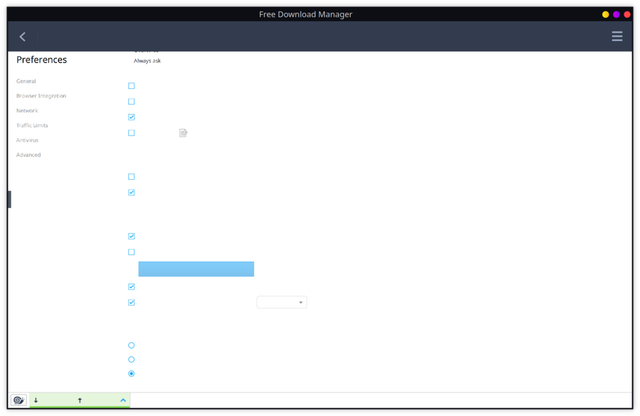
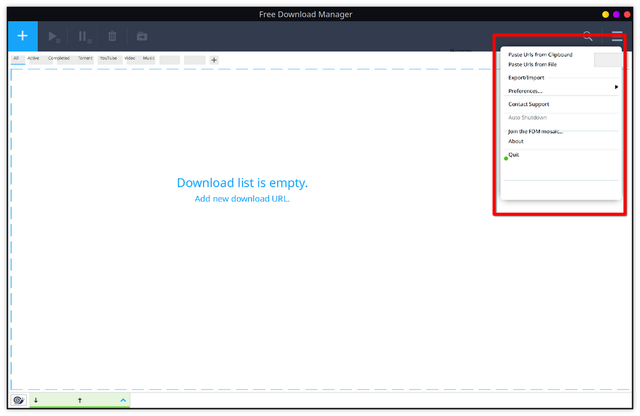
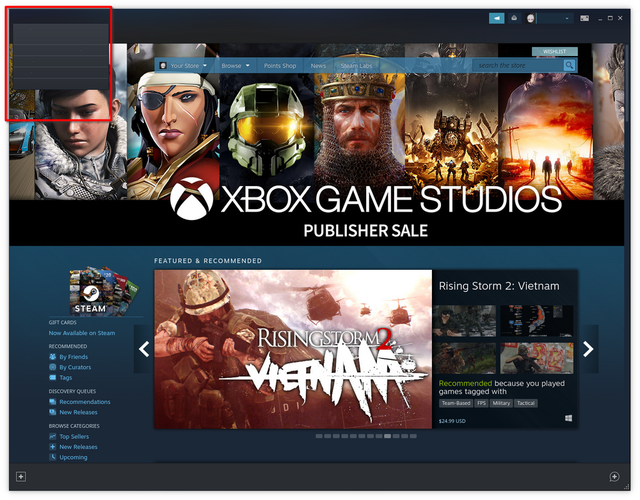
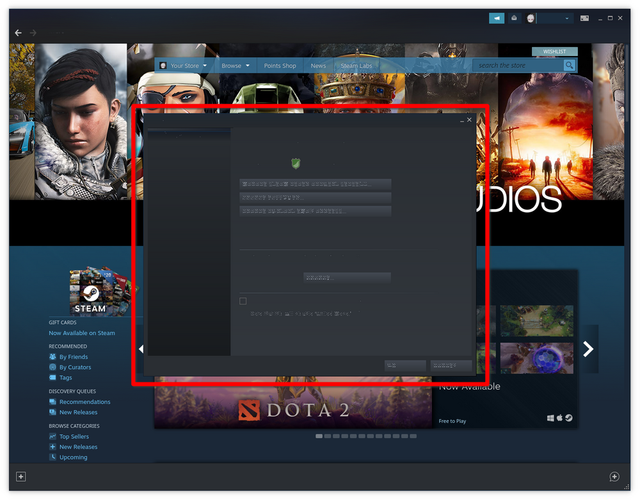
I am using Arch Linux for almost 2 months now with a KDE plasma Desktop environment. I am having several issues with apps that I installed like Steam, free download manager ..., they have a weird appearing once lunched as you can see in the pics down below.
I have a 3200x1800 display monitor, so I thought maybe these apps aren't adapted to such a resolution, so I tried downgrading it to Full HD (1920x1080), but that didn't work.
I tried installing graphic card drivers (intel + Nvidia), still, nothing has changed.
am using Xorg as a display manager, with SDDM.
am really getting used to KDE, so I want to fix these issues, if not, I hope you can redirect me towards better desktop environments that are easy and efficient for a new Linux user to use.
Last edited by akram_abou (2021-04-11 11:37:50)
Offline
#2 2021-04-10 22:57:54
- V1del
- Forum Moderator

- Registered: 2012-10-16
- Posts: 25,343
Re: [SOLVED] KDE plasma DE apps appearing problem
Remove xf86-video-intel if installed and confiugration created for it if any and try to reboot/restart xorg.
Offline
#3 2021-04-11 07:35:33
- akram_abou
- Member
- Registered: 2021-04-10
- Posts: 7
Re: [SOLVED] KDE plasma DE apps appearing problem
Remove xf86-video-intel if installed and confiugration created for it if any and try to reboot/restart xorg.
i checked for it, and I found that it's not installed.
i also tried adding this line
COGL_ATLAS_DEFAULT_BLIT_MODE=framebufferto
/etc/environmentas the Wiki suggests, but still no result.
Offline
#4 2021-04-11 07:36:55
- seth
- Member

- From: Won't reply 2 private help req
- Registered: 2012-09-03
- Posts: 77,550
Re: [SOLVED] KDE plasma DE apps appearing problem
apps that I installed like Steam, free download manager
Notably two binary releases, likely 32bit and the images (are oversize, please replace w/ links/thumbnails and) look like it's a font issue.
=> https://wiki.archlinux.org/index.php/St … or_missing ?
Offline
#5 2021-04-11 07:45:08
- akram_abou
- Member
- Registered: 2021-04-10
- Posts: 7
Re: [SOLVED] KDE plasma DE apps appearing problem
apps that I installed like Steam, free download manager
Notably two binary releases, likely 32bit and the images (are oversize, please replace w/ links/thumbnails and) look like it's a font issue.
=> https://wiki.archlinux.org/index.php/St … or_missing ?
Thanks! installing the fonts fixed the Steam issue, now it works just fine.
about Free Download Manager the issue remains, is there a general way to fix binary releases font issues?
sorry about the pics, this is my first time using the forum, I will make sure to use thumbnails from now on.
Offline
#6 2021-04-11 07:57:48
- seth
- Member
- From: Won't reply 2 private help req
- Registered: 2012-09-03
- Posts: 77,550
Re: [SOLVED] KDE plasma DE apps appearing problem
I know nothing about freedownloaddingsbums, but make sure you restarted it after installing fonts and esp. lib32-fontconfig.
The second screeshot looks like it's a DPI issue, see https://wiki.archlinux.org/index.php/HiDPI#X_Resources but the thing might ignore dpi settings alltogether - that one however should™ then be resolved w/ the lower resolution output, no?
Offline
#7 2021-04-11 08:22:14
- akram_abou
- Member
- Registered: 2021-04-10
- Posts: 7
Re: [SOLVED] KDE plasma DE apps appearing problem
I know nothing about freedownloaddingsbums, but make sure you restarted it after installing fonts and esp. lib32-fontconfig.
The second screeshot looks like it's a DPI issue, see https://wiki.archlinux.org/index.php/HiDPI#X_Resources but the thing might ignore dpi settings alltogether - that one however should™ then be resolved w/ the lower resolution output, no?
i was using a 150% global scaling because my monitor is small but have very high resolution so everything looks super tiny, after I removed the global scaling everything became normal and in order, so I guess as u said it's a DPI issue, now I will just large the fonts of the system and everything should look fine to read.
Thanks!
Offline
#8 2021-04-11 08:33:55
- seth
- Member
- From: Won't reply 2 private help req
- Registered: 2012-09-03
- Posts: 77,550
Re: [SOLVED] KDE plasma DE apps appearing problem
You could also just set a larger DPI, I would assume that Qt/KDE implicitly aligns to that.
Please always remember to mark resolved threads by editing your initial posts subject - so others will know that there's no task left, but maybe a solution to find.
Thanks.
Offline