You are not logged in.
- Topics: Active | Unanswered
Pages: 1
#1 2022-04-09 07:50:44
- PranshuTG
- Member
- Registered: 2022-04-01
- Posts: 89
Fn Media keys not working
Im using an HP du2002tu with an external keyboard,
using acpi-listen and xev on internal keyboard:
fn key isnt detected
media keys are detected
using acpi-listen and xev on external keyboard:
fn key isnt detected
media keys are NOT detected
Offline
#2 2022-04-09 11:19:21
- seth
- Member

- From: Won't reply 2 private help req
- Registered: 2012-09-03
- Posts: 76,424
Re: Fn Media keys not working
The Fn key is typically a proprietary HW feature that's not exposed as event to the OS at all, this isn't at all surprising.
As for the external keyboards media keys
1. What is that keyboard?
2. Do the keys show up in "evtest" or "libinput debug-events"?
Offline
#3 2022-04-12 20:04:19
- Narcha
- Member
- Registered: 2022-04-12
- Posts: 1
Re: Fn Media keys not working
Sorry for hijacking this thread, I'm experiencing the same issue and might be able to provide some details to aid in troubleshooting.
Host: Acer Aspire E5-575G
DE: KDE Plasma (Wayland)
Panel/Dock: Latte
Weirdly enough, all other fn keys (brightness, volume, touchpad on/off) work just fine, it's only media controls that don't work.
The key events are detected by libinput debug-events and the play/pause button is bound to play/pause in KDE's keybinds settings (which is the default)
I read this, and made sure that I had a media control widget in my panel.
The issue was "fixed" by adding a media control widget to my desktop. So for some reason, having a media control widget in the system tray is not enough.
I should note that I use a fork of KDE's media control widget instead of the default one.
I'll do some more digging and report back if find a better fix.
Offline
#4 2022-06-15 06:58:17
- PranshuTG
- Member
- Registered: 2022-04-01
- Posts: 89
Re: Fn Media keys not working
Hi.
no the media actually no function key works unless you use it without the fn key.my keyboard is from redgear.
and they werent detected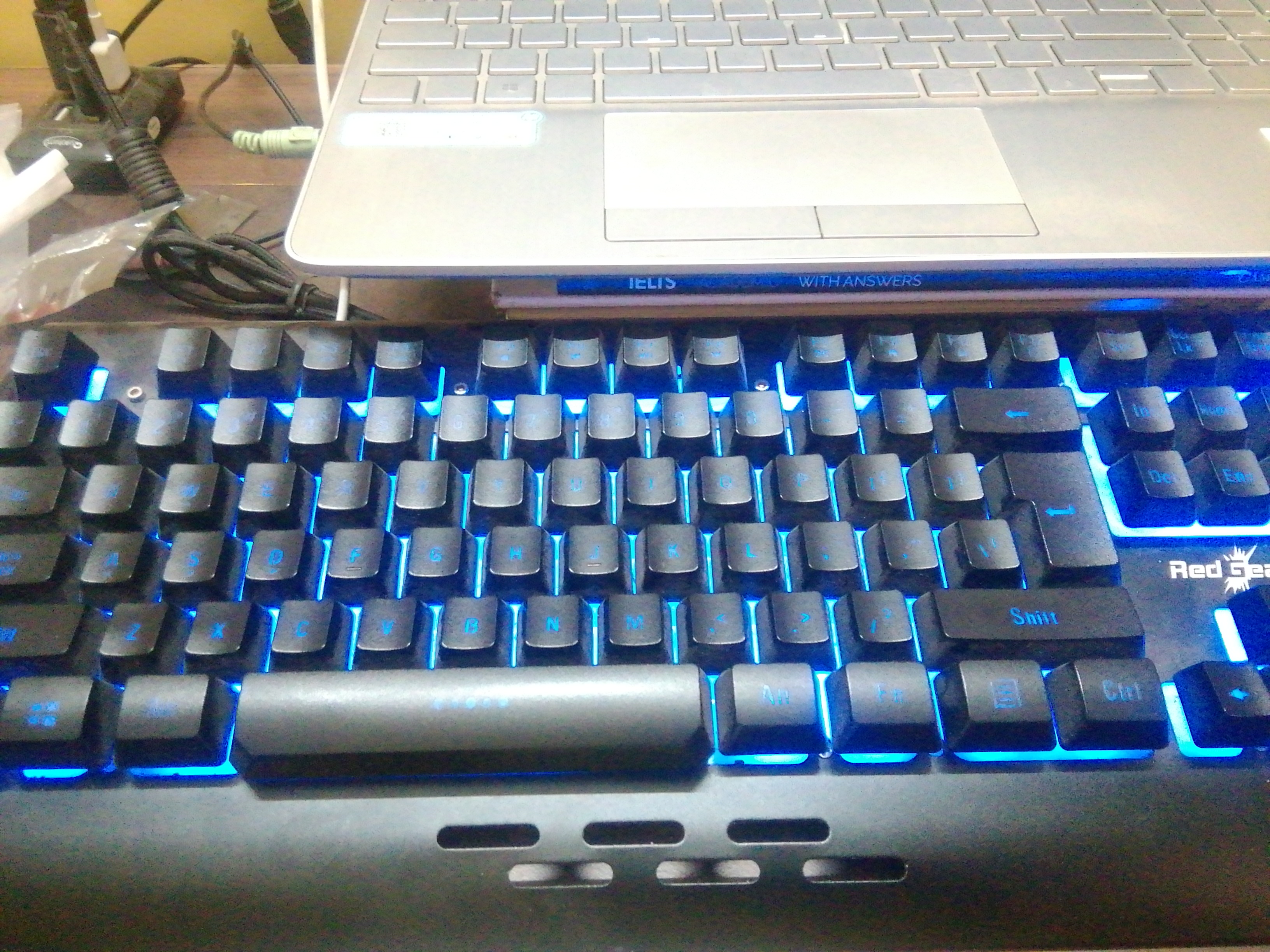
Offline
#5 2022-06-15 10:54:21
- seth
- Member
- From: Won't reply 2 private help req
- Registered: 2012-09-03
- Posts: 76,424
Re: Fn Media keys not working
Please remove the oversized image of your keyboard -there's a 250²px² limit and it's overexposed so one can't see the Fx keys anyway.
no the media actually no function key works unless you use it without the fn key.my keyboard is from redgear.
and they werent detected
I assume this is your keyboard?
https://m.media-amazon.com/images/I/61M … L1000_.jpg

Run "sudo libinput debug-events" and press F4 and Fn+F4 and post the output.
Offline
#6 2022-07-09 10:34:29
- PranshuTG
- Member
- Registered: 2022-04-01
- Posts: 89
Re: Fn Media keys not working
  event7   KEYBOARD_KEY            +21.670s	*** (-1) pressed
^[OS event7   KEYBOARD_KEY            +21.774s	*** (-1) released
 event7   KEYBOARD_KEY            +22.039s	*** (-1) pressed
^[OS event7   KEYBOARD_KEY            +22.174s	*** (-1) released
f4 only ^
fn+f4 returns nothing
Offline
#7 2022-12-01 19:59:33
- PranshuTG
- Member
- Registered: 2022-04-01
- Posts: 89
Re: Fn Media keys not working
keyboard driver issue it seems
Offline
Pages: 1