You are not logged in.
- Topics: Active | Unanswered
#1 2022-04-13 00:23:57
- ulises_sanchez2001
- Member
- Registered: 2019-09-28
- Posts: 6
Arch Linux does not boot if i overclock RAM, FreeBSD works
Arch linux does not boot if i overclock the RAM, but FreeBSD works. Memtest86+ shows no errors, neither do memtester or mprime is FreeBSD.
When i try to boot Arch Linux, GRUB works as usual, after it there is the usual boot message, after that the screen goes completely black or full of glitches.
When i try to boot FreeBSD from an USB drive, it just works and i even installed MATE on it.
I am using an ASUS PRIME B450M-A II motherboard, an AMD Ryzen 2200G CPU and 2 ADATA 8 GiB 2400 MHz DDR4 RAM sticks (16 GiB dual channel).
Offline
#2 2022-04-13 00:48:55
- mpan
- Member

- Registered: 2012-08-01
- Posts: 1,651
- Website
Re: Arch Linux does not boot if i overclock RAM, FreeBSD works
I would say that your RAM or memory bus are unstable.
All tests you mentioned give assymetric answers. Only positive result (a fault) is meaningful. A single negative result tells nothing. At best, with many, many runs the lack of positive result may be interpreted probabilistically. So far you only have a single meaningful result: that Arch experiences a fault, correlated with RAM being overclocked.
It’s also worth noting that Memtest86+ and FreeBSD are not stress tools. MPrime is, but focused on CPU. The Blend test may detect unreliable RAM configuration, but is not stressing memory sticks. To this day I didn’t came across any tool that does.
Offline
#3 2022-04-13 01:14:27
- ulises_sanchez2001
- Member
- Registered: 2019-09-28
- Posts: 6
Re: Arch Linux does not boot if i overclock RAM, FreeBSD works
I would say that your RAM or memory bus are unstable.
All tests you mentioned give assymetric answers. Only positive result (a fault) is meaningful. A single negative result tells nothing. At best, with many, many runs the lack of positive result may be interpreted probabilistically. So far you only have a single meaningful result: that Arch experiences a fault, correlated with RAM being overclocked.
It’s also worth noting that Memtest86+ and FreeBSD are not stress tools. MPrime is, but focused on CPU. The Blend test may detect unreliable RAM configuration, but is not stressing memory sticks. To this day I didn’t came across any tool that does.
Okay, but i left memtester and mprime running for hours (not at the same time) without errors. The same memory modules worked fine on an older motherboard.
I can tighten the timings with no problem, even underclock the RAM, but if i try to overclock it even just a bit Arch Linux will not boot, no matter what voltages and timings i try.
I believe it could be something wrong with Linux or systemd, but i could be wrong.
Last edited by ulises_sanchez2001 (2022-04-13 01:16:31)
Offline
#4 2022-04-13 08:51:14
- ulises_sanchez2001
- Member
- Registered: 2019-09-28
- Posts: 6
Re: Arch Linux does not boot if i overclock RAM, FreeBSD works
I tried Tails and got the same result as Arch Linux.
https://i.postimg.cc/zBD79Dnb/IMG-20220413-041253-Z.jpg
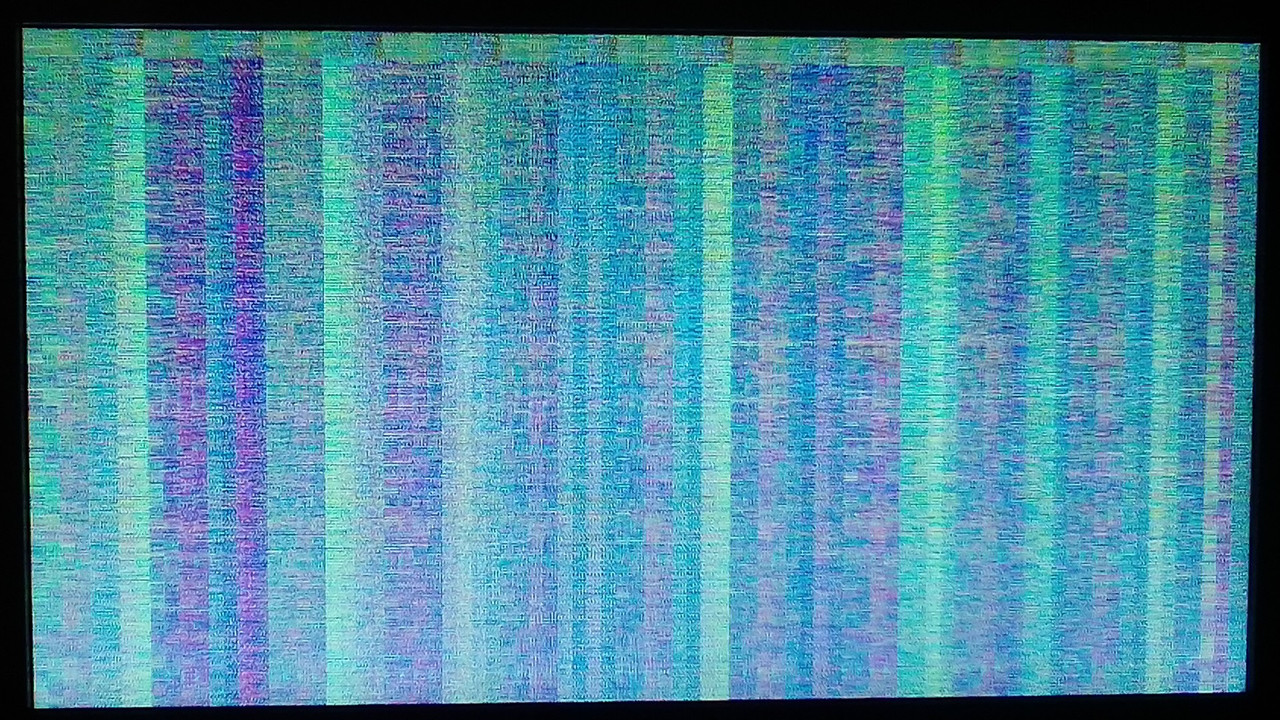
I tried Artix Linux OpenRC MATE and i got to the desktop environment for a few seconds and then it froze and became glitchy.
https://i.postimg.cc/RFPd9rRP/IMG-20220413-051033-Z.jpg
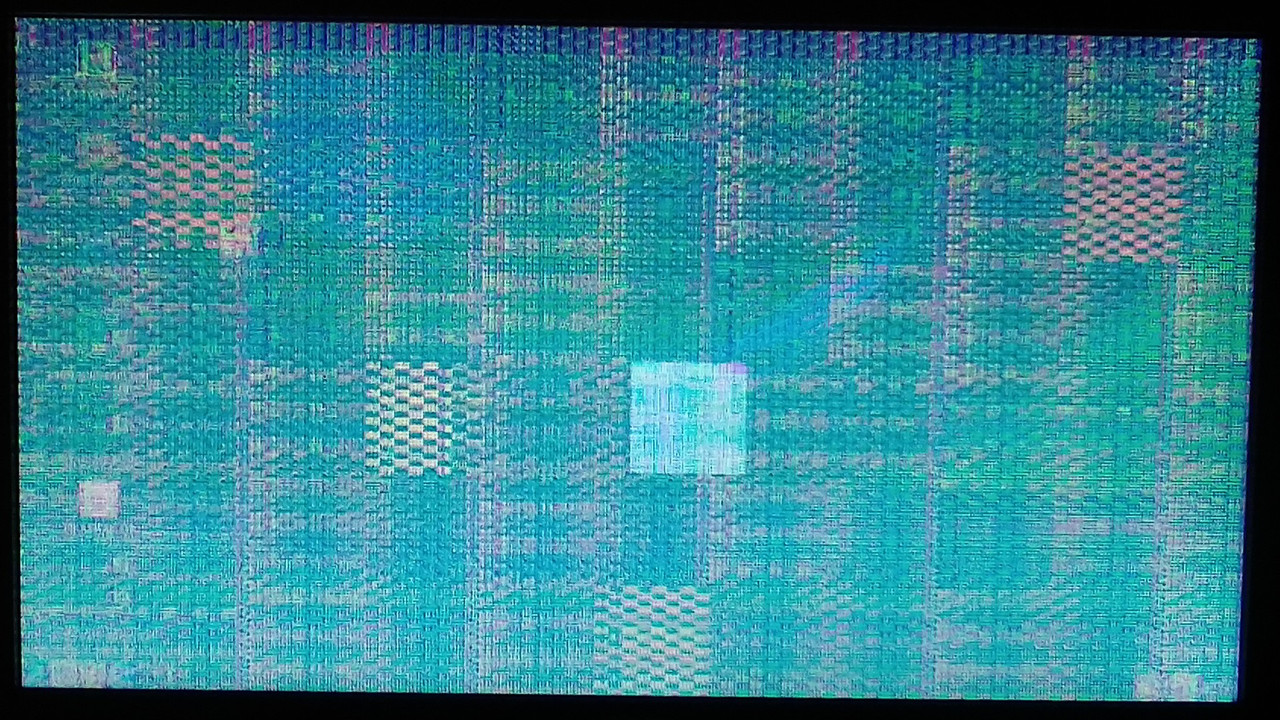
I have tried ReactOS and Haiku, but neither works even at default settings. ReactOS shows a BSoD telling me no serial port was found and Haiku gets stuck in the boot screen. Neither shows glitches or a black screen.
It seems it only affects Linux operating systems.
Mod Edit - Replaced oversized images with links.
CoC - Pasting pictures and code
Offline
#5 2022-04-13 09:30:50
- progandy
- Member

- Registered: 2012-05-17
- Posts: 5,321
Re: Arch Linux does not boot if i overclock RAM, FreeBSD works
Do you have a separate gpu or do you use the integrated one?
The iGPU uses the system ram as graphics memory. Maybe using the full potential of the igou with the driver instead of the vesa mode stresses the memory too much.
Last edited by progandy (2022-04-13 09:31:39)
| alias CUTF='LANG=en_XX.UTF-8@POSIX ' | alias ENGLISH='LANG=C.UTF-8 ' |
Offline
#6 2022-04-13 13:25:55
- mpan
- Member
- Registered: 2012-08-01
- Posts: 1,651
- Website
Re: Arch Linux does not boot if i overclock RAM, FreeBSD works
I will skip parts, that are already covered by my first message.
The same memory modules worked fine on an older motherboard.
Was it the same model and revision of the motherboard? If not, then how does it matter? Even tiny changes affect signal integrity.
I believe it could be something wrong with Linux or systemd, but i could be wrong.
And what is the basis of this belief, exactly?
Neither Linux, nor systemd have a malicious condition to test if you overclocked RAM and punish you by crashing the system. At most they perform some operation, that makes instability of your hardware evident. As progandy suggested it might be enabling integrated GPU, but may as well be other activity causing specific access pattern or power draw that momentarily pulls voltage on your RAM sticks. Whatever it is, it merely exposes the issue, not causes it. And the issue seems to be: your configuration is unstable. So far this is the most likely hypothesis and nothing in this thread suggests otherwise.
It seems it only affects Linux operating systems.
You have just mentioned that it also affects Haiku and ReactOS, which are not Linux distros.
Offline
#7 2022-04-13 23:30:38
- ulises_sanchez2001
- Member
- Registered: 2019-09-28
- Posts: 6
Re: Arch Linux does not boot if i overclock RAM, FreeBSD works
Do you have a separate gpu or do you use the integrated one?
The iGPU uses the system ram as graphics memory. Maybe using the full potential of the igou with the driver instead of the vesa mode stresses the memory too much.
I am currently using an iGPU.
ulises_sanchez2001 wrote:It seems it only affects Linux operating systems.
You have just mentioned that it also affects Haiku and ReactOS, which are not Linux distros.
I know those are not Linux distros. I just said they would not work even if i set everything to default.
Neither Linux, nor systemd have a malicious condition to test if you overclocked RAM and punish you by crashing the system. At most they perform some operation, that makes instability of your hardware evident. As progandy suggested it might be enabling integrated GPU, but may as well be other activity causing specific access pattern or power draw that momentarily pulls voltage on your RAM sticks. Whatever it is, it merely exposes the issue, not causes it. And the issue seems to be: your configuration is unstable. So far this is the most likely hypothesis and nothing in this thread suggests otherwise.
I thought it could be because some bug that in the kernel that causes it to crash. Maybe because it is getting conflicting information about the hardware. The current version (5.17) can not read most sensors in this motherboard model. Or it could be a problem with the hardware as you said.
Was it the same model and revision of the motherboard? If not, then how does it matter? Even tiny changes affect signal integrity.
The old motherboard was a MSI mini ITX engineering sample that somehow made its way into a prebuilt PC. Maybe the old motherboard had a better VRMs than my current one and the power supply is just not good enough.
Interestingly the RAM works at 2400 MHz 13-14-14-28 1.25V, the default is 2400 MHz 17-17-17-39 1.2V, but i it does not work at 2666 MHz 18-19-19-43 1.35V. In the other motherboard it worked at 3200 MHz 20-20-20-40 1.25V.
Offline
#8 2022-04-14 07:00:04
- seth
- Member

- From: Won't reply 2 private help req
- Registered: 2012-09-03
- Posts: 78,103
Re: Arch Linux does not boot if i overclock RAM, FreeBSD works
he old motherboard was a MSI mini ITX engineering sample that somehow made its way into a prebuilt PC.
That doesn't say much about the setup (notably the IGP)
My first instinct after just reading the OP matches progandy's - can you boot "nomodeset"? (Though w/o xf86-video-vesa X11 won't start at all, but that's not because of the RAM)
Offline
#9 2022-04-15 00:47:43
- ulises_sanchez2001
- Member
- Registered: 2019-09-28
- Posts: 6
Re: Arch Linux does not boot if i overclock RAM, FreeBSD works
he old motherboard was a MSI mini ITX engineering sample that somehow made its way into a prebuilt PC.
That doesn't say much about the setup (notably the IGP)
My first instinct after just reading the OP matches progandy's - can you boot "nomodeset"? (Though w/o xf86-video-vesa X11 won't start at all, but that's not because of the RAM)
It works now. X11 works with xf86-video-fbdev , but now there is no 3D acceleration and the resolution is stuck at 1024x768 .
Offline
#10 2022-04-15 06:19:15
- seth
- Member
- From: Won't reply 2 private help req
- Registered: 2012-09-03
- Posts: 78,103
Re: Arch Linux does not boot if i overclock RAM, FreeBSD works
there is no 3D acceleration and the resolution is stuck at 1024x768
What's expectable for the setup.
The main point was to confirm progandy's suspicion that the trigger is the IGP, not the CPU.
You can try to manipulate the cstate limits or fbc or psr, https://wiki.archlinux.org/title/Intel_graphics
But you're ultimately operating on an unstable RAM configuration and you now know why that's less problematic w/ some other OS.
Offline
#11 2022-04-17 10:36:12
- agapito
- Member
- From: Who cares.
- Registered: 2008-11-13
- Posts: 703
Re: Arch Linux does not boot if i overclock RAM, FreeBSD works
If you can boot Archlinux when you RAM is not overclocked, then your overclock parameters are not stable.
If you use Windows too, try HCI Memtest and you will see a lot of memory errors.
Excuse my poor English.
Offline
#12 2022-04-18 00:35:57
- ulises_sanchez2001
- Member
- Registered: 2019-09-28
- Posts: 6
Re: Arch Linux does not boot if i overclock RAM, FreeBSD works
If you can boot Archlinux when you RAM is not overclocked, then your overclock parameters are not stable.
If you use Windows too, try HCI Memtest and you will see a lot of memory errors.
I can boot Arch Linux when my RAM is overclocked, but only with the nomodeset option. No matter what timings and voltages i use, it won't boot if i don't use the nomodeset option, i have tried many times.
I have run memtester with and without overclocking and it only shows error messages when i tighten the timings too much or don't give enough voltage.
The memory defaults are 2400 MHz 17-17-17-39 1.2V . memtester showed no errors at default settings (if it did, something would be wrong). Also, memtester showed no error messages when i overclocked the memory to 2933 MHz 16-17-17-34 1.25V .
I am currently running my RAM at 2400 MHz 13-14-14-27 1.24V . Arch Linux boots without problem with those settings.
memtester shows error messages at 1.22V .
It works at 2400 MHz with tight timings, but it does not work at higher frequencies at any voltage or timings unless i use the nomodeset option.
Offline
#13 2022-04-18 05:45:08
- seth
- Member
- From: Won't reply 2 private help req
- Registered: 2012-09-03
- Posts: 78,103
Re: Arch Linux does not boot if i overclock RAM, FreeBSD works
Why are we still talking about this?
The RAM clearly isn't stable under the relevant conditions that are induced by the IGP, either because of the more complex access patterns or the higher overall power consumption or resulting higher environment temperature.
Offline
#14 2022-04-19 00:29:05
- mpan
- Member
- Registered: 2012-08-01
- Posts: 1,651
- Website
Re: Arch Linux does not boot if i overclock RAM, FreeBSD works
ulises_sanchez2001: please tell: what kind of answer are you expecting from us? Exactly.
Offline