You are not logged in.
- Topics: Active | Unanswered
#1 2022-11-20 05:18:34
- yoncho
- Member
- Registered: 2020-06-28
- Posts: 11
When using Filelight the icons are not showing
Hi, everyone,
I've installed FileLight, but the interface looks like this.
https://iili.io/HHKIC0l.png
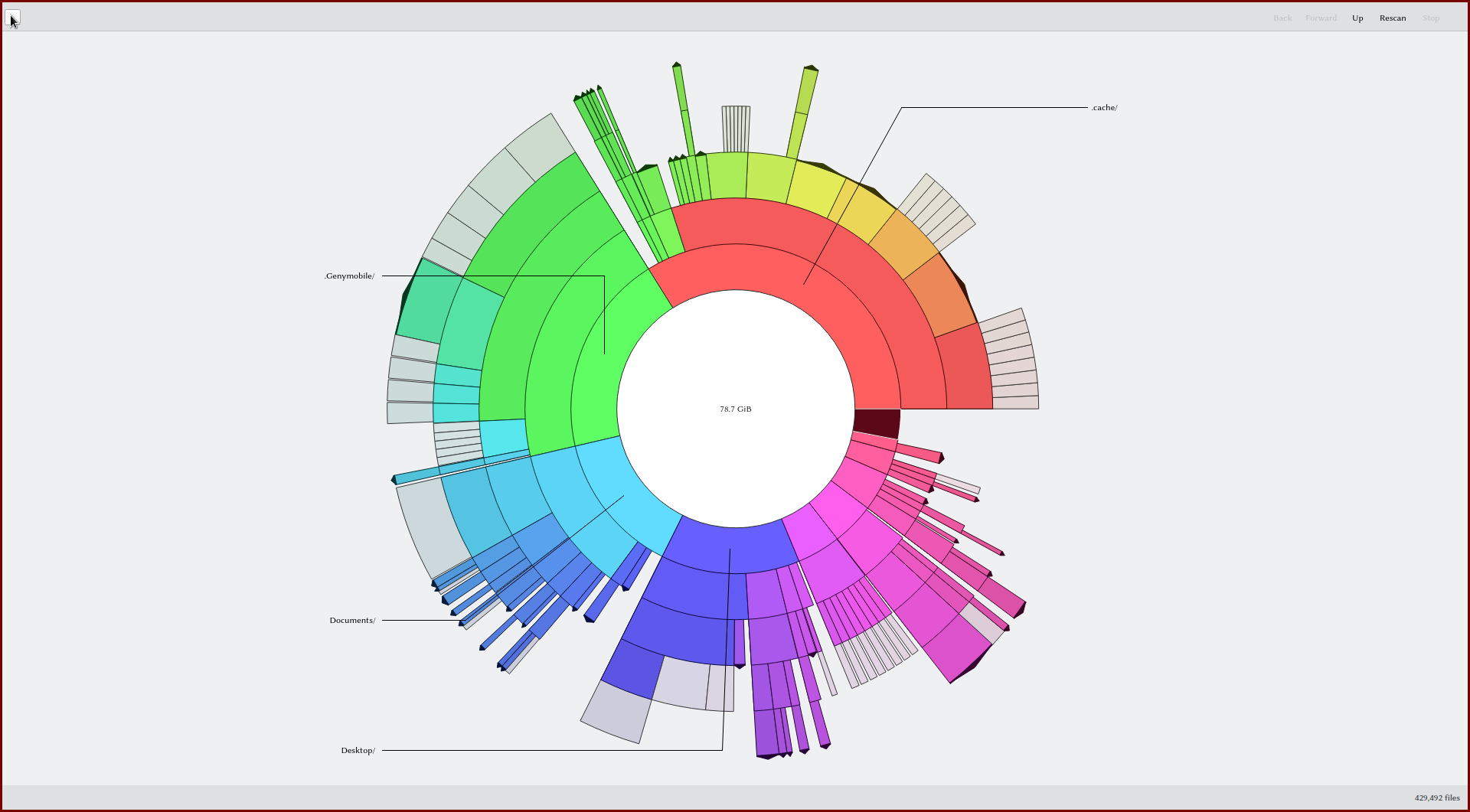
Do I need some packages from KDE? Which ones are missing to look like this?
https://upload.wikimedia.org/wikipedia/ … enshot.png

Mod note: Removed oversized images -- V1del
Last edited by V1del (2022-11-21 16:05:00)
Offline
#2 2022-11-20 05:45:50
- cfr
- Member
- From: Cymru
- Registered: 2011-11-27
- Posts: 7,178
Re: When using Filelight the icons are not showing
Are you using KDE? Which desktop theme?
CLI Paste | How To Ask Questions
Arch Linux | x86_64 | GPT | EFI boot | refind | stub loader | systemd | LVM2 on LUKS
Lenovo x270 | Intel(R) Core(TM) i5-7200U CPU @ 2.50GHz | Intel Wireless 8265/8275 | US keyboard w/ Euro | 512G NVMe INTEL SSDPEKKF512G7L
Offline
#3 2022-11-21 16:04:21
- V1del
- Forum Moderator

- Registered: 2012-10-16
- Posts: 25,261
Re: When using Filelight the icons are not showing
These icons are from the breeze icon set. But the general Qt theme looks strange what Qt theme should this be? In general see https://wiki.archlinux.org/title/Unifor … plications for some guidance into making the two major toolkits integrate with each other
Offline
#4 2022-11-21 20:56:17
- arojas
- Developer
- From: Spain
- Registered: 2011-10-09
- Posts: 2,291
Re: When using Filelight the icons are not showing
That is how it looks now. The wikipedia screenshot you linked is from an old version before the QML port.
Offline