You are not logged in.
- Topics: Active | Unanswered
#1 2007-08-24 15:19:30
- leo2501
- Member

- From: Buenos Aires, Argentina
- Registered: 2007-07-07
- Posts: 658
[Request] Racer - do you miss need for speed? ;)
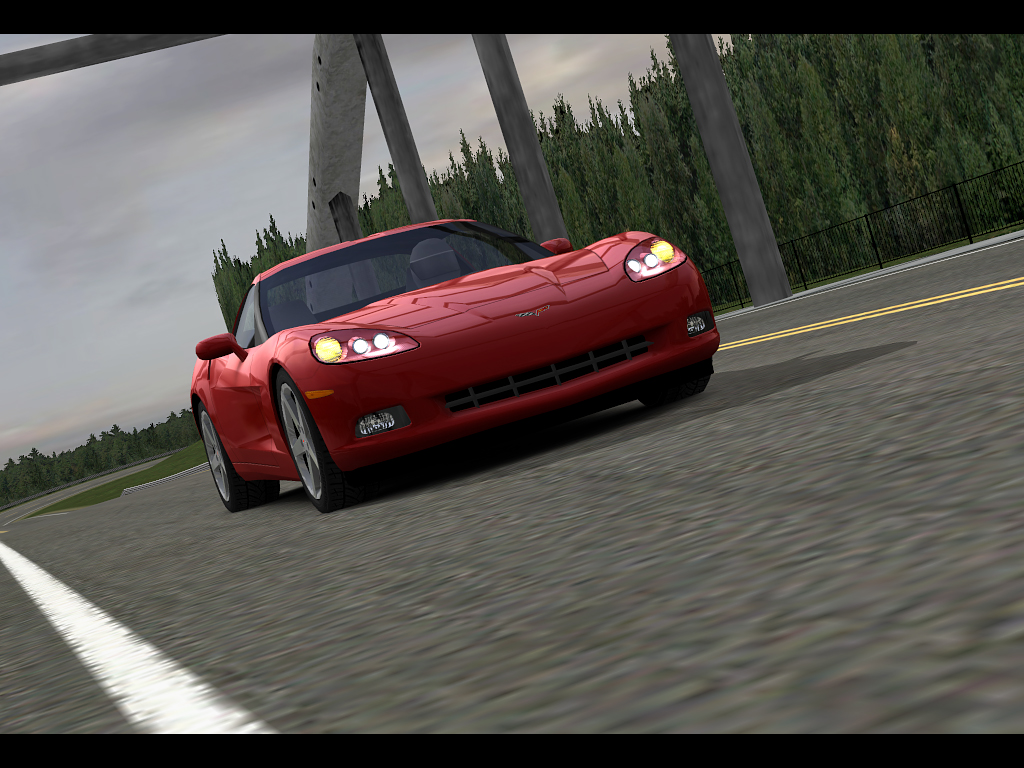
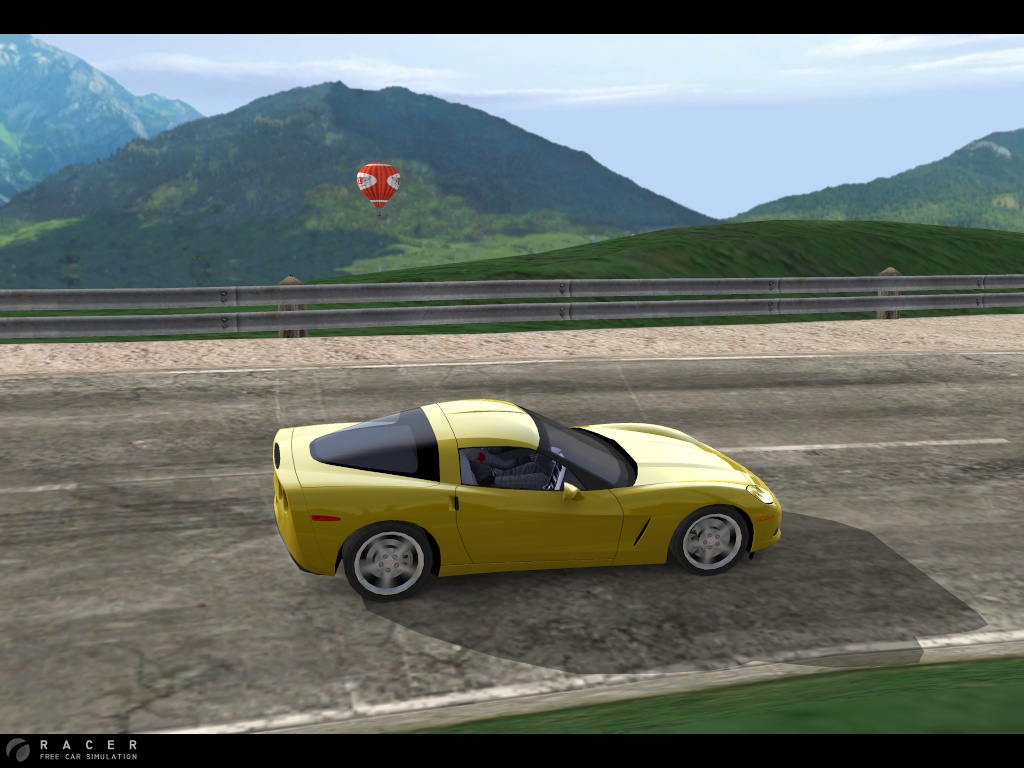
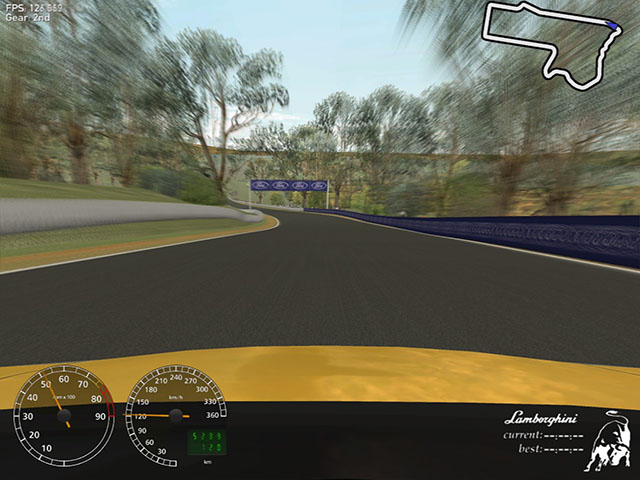
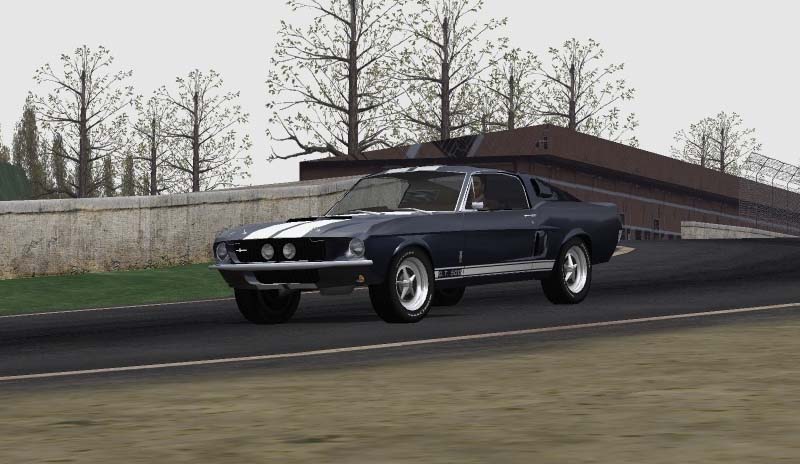
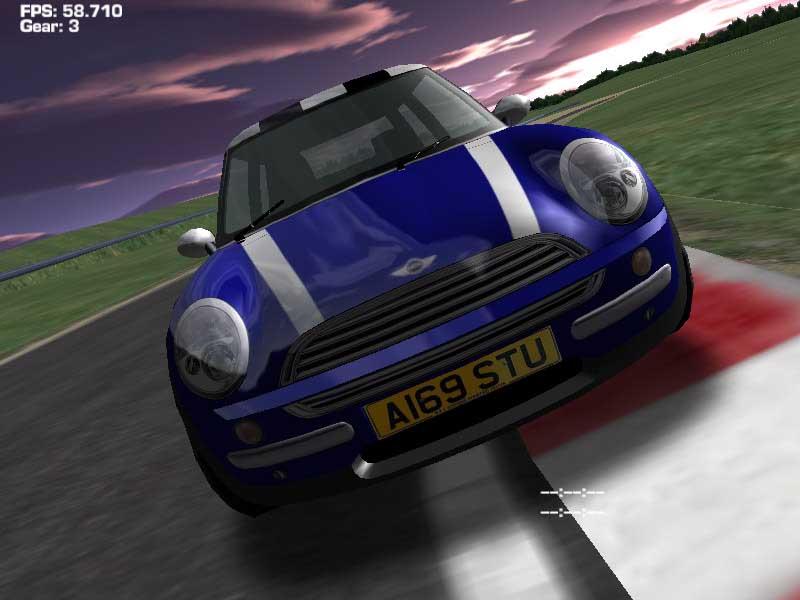
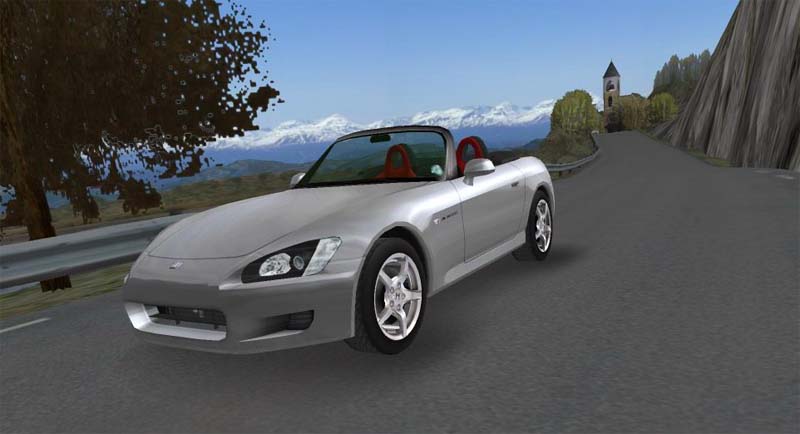
Racer is a free cross-platform car simulation project (for non-commercial use), using professional car physics to achieve a realistic feeling and an excellent render engine for graphical realism. Cars, tracks and such can be created relatively easy (compared to other, more closed, driving simulations). The 3D, physics and other file formats are documented. Editors and support programs are also available to get a very customizable and expandable simulator. OpenGL is used for rendering.
Screenshots:
http://www.racer.nl/images/c6dw_04.jpg
http://www.racer.nl/images/c4_sm.jpg
http://www.racer.nl/images/screenshot0101.jpg
http://www.racer.nl/images/blur_lambo.jpg
http://www.racer.nl/images/gt500_lg.jpg
http://www.racer.nl/images/mini2_lg.jpg
http://www.racer.nl/images/s2000_country_lg.jpg
Videos:
http://www.youtube.com/watch?v=xPbzygU9 … ed&search=
http://www.youtube.com/watch?v=RZGy-Y54 … ed&search=
//*************************************************************************************
http://www.racer.nl/dl_beta_linux.htm
INTRODUCTION
This document describes getting the Linux beta versions up. This beta version is highly recommended over the latest 'stable' version, which is a couple of years old by now. Getting the Linux beta up & running is a bit more work than on Windows; I hope to make the steps better as more information becomes known about Linux installation quirks.
REQUIREMENTS:
* I'm using a Debian Etch custom installation ('testing' mostly), running Kernel 2.4.18.4-486, X11 and an nVidia Legacy GLX driver.
* About 512Mb of system memory is recommended for all the data.
* A good 3D graphics card is required. nVidia and ATI these days should both work with the executables (AMD/ATI unconfirmed; I use an ancient Geforce2 400MX).
You can alternatively use Wine and just run the Windows version.
This version also appears to at least run on: Mandriva LE2005.
Compatible graphics cards are at least: ATi Mobility Radeon 9700.
INSTALLATION OF LATEST BETA
The latest Linux beta version is v0.5.3 beta 6. An installer has been made by Loki:
* Download the Loki Racer version from
http://www.liflg.org/?catid=6&gameid=13
* Run the downloaded file (racer_0.5.3beta6-english.run)
Alternatively, follow these steps for a manual installation:
* Download the Linux v0.5.3 beta 6 executable (and fmod v4.06) from
http://www.racer.nl/download/linux/racer053b6test.zip - (19-3-07, 1Mb zip).
* Unzip the Linux zip and move the 'racer' and 'libfmodex.so' files into racer053b5/.
* cd into racer053b5
Next, to run, first try:
* export LD_LIBRARY_PATH=.:${LD_LIBRARY_PATH}; ./racer
If that doesn't work, try:
* Copy libfmodex.so to /usr/local/lib (be careful not to overwrite any possible existing file) and run 'sudo ldconfig'.
* Run ./racer
Editing settings can be done using 'vi racer.ini', error checking after a run can be done with 'cat QLOG.txt'.
CREATING A SHORTCUT ON GNOME/UBUNTU
This method may work on other Linux variations as well.
As posted by Bub73 on RSC:
Click on the Gnome panel and select Custom Launcher.
T hen under Basic enter the command 'racer'.
Next click the advanced button and add under 'Try this first': cd /usr/local/games/racer053b5/ or sudo cd /usr/local/games/racer053b5/ if needed. The path to racer = "cd /usr/local/games/racer053b5/"; yours will be where-ever you installed Racer.
f the above command line doesn't work try ( sh -c " cd /path/to/racer053b5/ && ./racer")
without brackets but with the quotes in the command field and delete the advanced try first field mentioned above.
Lastly I choose racer.xpm for an icon and clicked ok. Racer now starts from the desktop with just one click of the icon on the panel.
OLDER BETA VERSIONS
* Racer v0.5.2 beta 8.9 (5-4-05, 12Mb zip) - this previous beta is still available; look here (at Loki Linux Installers, thanks guys), or the Russian mirror here. Alternatively get the Windows 052b89 zip file for all the data files and then install the Linux executable.
TROUBLESHOOTING
Some common problems:
* I get 'X11; cannot connect to server :0.0; connection refused'; run Racer as root or use xhost to allow Racer to connect to your display (run 'xhost +').
* libfmodex.so is not found; copy libfmodex.so as root to /lib
* When trying to host or join a multiplayer game, the game crashes. This is a known bug.
TROUBLESHOOTING - UBUNTU
Problem (on Ubutu 7.04 for example):
./bin/racer: error while loading shared libraries:
libstdc++-libc6.2-2.so.3: cannot open shared object file: No such file
or directory
Solution (thanks to Marco Papi for this):
Run as root:
sudo apt-get install libstdc++6-dev
sudo apt-get install libstdc++2.10-glibc2.2
In my opinion it is also a great idea to put in DOWNLOAD section the
links to auto-installation .run files, thant i've found here:
http://www.liflg.org/?catid=6&gameid=13
Last edited by leo2501 (2007-08-24 15:35:37)
Perfection is achieved, not when there is nothing more to add, but when there is nothing left to take away.
-- Antoine de Saint-Exupery
Offline
#2 2009-10-20 09:19:58
- BowlSmoker
- Member
- Registered: 2009-10-09
- Posts: 27
Re: [Request] Racer - do you miss need for speed? ;)
This game looks amazing: http://www.racer.nl/gallery.htm
I'm surprised this was never filled, and this thred is from 2007.
Offline
#3 2009-10-20 11:32:10
- leo2501
- Member
- From: Buenos Aires, Argentina
- Registered: 2007-07-07
- Posts: 658
Re: [Request] Racer - do you miss need for speed? ;)
I really liked this game at that time  unfortunately it never saw an AUR package
Perfection is achieved, not when there is nothing more to add, but when there is nothing left to take away.
-- Antoine de Saint-Exupery
Offline
#4 2009-10-20 12:22:25
- stefanwilkens
- Member
- From: Enschede, the Netherlands
- Registered: 2008-12-10
- Posts: 624
Re: [Request] Racer - do you miss need for speed? ;)
this doesn't seem too hard, it's a binary release and only seems to require fmod-dex as an external dependency.
*edit*
yep, got it running just fine. The software is released under his own private licence though, this may be why it was never introduced to the AUR?
untill that is answered:
http://bbs.archlinux.org/viewtopic.php?pid=640783
Last edited by stefanwilkens (2009-10-20 19:38:34)
Arch i686 on Phenom X4 | GTX760
Offline
#5 2009-10-21 08:42:46
- stefanwilkens
- Member
- From: Enschede, the Netherlands
- Registered: 2008-12-10
- Posts: 624
Re: [Request] Racer - do you miss need for speed? ;)
Arch i686 on Phenom X4 | GTX760
Offline
#6 2009-10-21 11:17:13
- leo2501
- Member
- From: Buenos Aires, Argentina
- Registered: 2007-07-07
- Posts: 658
Re: [Request] Racer - do you miss need for speed? ;)
WOW amazing, lol, had been a looong time but it finally gets to the AUR
Perfection is achieved, not when there is nothing more to add, but when there is nothing left to take away.
-- Antoine de Saint-Exupery
Offline
#7 2009-10-21 14:06:40
- dax
- Member
- Registered: 2007-07-25
- Posts: 8
Re: [Request] Racer - do you miss need for speed? ;)
Has anyone played? I can't. And I can't save my settings.
Offline
#8 2009-10-21 14:53:19
- leo2501
- Member
- From: Buenos Aires, Argentina
- Registered: 2007-07-07
- Posts: 658
Re: [Request] Racer - do you miss need for speed? ;)
i can't try it because im using windows 7 now... 
yes i know... but with micro$oft os, is the only way i can have a way to display HD videos in my netbook with the coreavc h264 video codec...
Perfection is achieved, not when there is nothing more to add, but when there is nothing left to take away.
-- Antoine de Saint-Exupery
Offline
#9 2009-10-21 15:00:01
- Dieter@be
- Forum Fellow
- From: Belgium
- Registered: 2006-11-05
- Posts: 2,006
- Website
Re: [Request] Racer - do you miss need for speed? ;)
looks very nice. I really liked "live for speed" (http://www.lfs.net/) a lot because it felt quite realistic and there were many options to play with. but unfortunately it's windows only. would be nice is this is a worthy replacement
< Daenyth> and he works prolifically
4 8 15 16 23 42
Offline
#10 2009-10-21 15:51:40
- Marvell
- Member

- From: Poland
- Registered: 2009-07-12
- Posts: 28
Re: [Request] Racer - do you miss need for speed? ;)
Has anyone played? I can't. And I can't save my settings.
Run it as root and try again 
Offline
#11 2009-10-21 16:33:58
- dax
- Member
- Registered: 2007-07-25
- Posts: 8
Re: [Request] Racer - do you miss need for speed? ;)
Ya, just played ^^
Thanks.
Btw, rly rly rly nice goal for opensources racing game.
Offline
#12 2009-10-21 18:18:47
- stefanwilkens
- Member
- From: Enschede, the Netherlands
- Registered: 2008-12-10
- Posts: 624
Re: [Request] Racer - do you miss need for speed? ;)
Has anyone played? I can't. And I can't save my settings.
what problem are you having? did you install from the AUR?
about not being able to save your config, this is due to a problem with permissions, I have updated the PKGBUILD
please do:
sudo pacman -Rns racer-3dnow make sure /opt/racer-3d/ is completely gone.
now re-install using the new PKGBUILD on the AUR:
http://aur.archlinux.org/packages.php?ID=31357
I have just tried myself, you should be able to save your settings now
Arch i686 on Phenom X4 | GTX760
Offline
#13 2009-10-21 21:58:27
- wesley_of_course
- Member
- Registered: 2007-09-13
- Posts: 110
Re: [Request] Racer - do you miss need for speed? ;)
This sounded like fun , unfortunately ; yaourt -S racer-3d
lib32-fmodex package not found, searching for group...
error: 'lib32-fmodex': not found in sync db
==> ERROR: Pacman failed to install missing dependencies.
Error: Makepkg was unable to build racer-3d package.
sudo pacman -S racer-3d
racer-3d package not found, searching for group...
error: 'racer-3d': not found in sync dbNow what ? " not found in sync db " , suggestions ?
never mind  , a quick install of lib32-fmodex and it was a go , sorry about that .
Last edited by wesley_of_course (2009-10-21 22:04:15)
Offline
#14 2009-10-21 22:05:34
- stefanwilkens
- Member
- From: Enschede, the Netherlands
- Registered: 2008-12-10
- Posts: 624
Re: [Request] Racer - do you miss need for speed? ;)
This sounded like fun , unfortunately ; yaourt -S racer-3d
lib32-fmodex package not found, searching for group...
error: 'lib32-fmodex': not found in sync db
==> ERROR: Pacman failed to install missing dependencies.
Error: Makepkg was unable to build racer-3d package.
sudo pacman -S racer-3d racer-3d package not found, searching for group... error: 'racer-3d': not found in sync dbNow what ? " not found in sync db " , suggestions ?
I think you need to read this:
http://wiki.archlinux.org/index.php/AUR
this package, and the dependency, is in the AUR. The package is not hosted on the repositories and hence not installable with pacman -S
what you typically do is you download a tarball from the AUR and then:
tar -zxvf appname.tar.gz
cd appname
makepkg
sudo pacman -U appname-pkg.tar.gz
*edit*
gotcha
Last edited by stefanwilkens (2009-10-21 22:11:11)
Arch i686 on Phenom X4 | GTX760
Offline
#15 2012-05-17 10:47:52
- PhotonX
- Member
- From: Munich
- Registered: 2008-08-10
- Posts: 607
Re: [Request] Racer - do you miss need for speed? ;)
Sorry for digging this out but I just realized that racer-3d isn't in the AUR any more. What happened to it?
Desktop: http://www.sysprofile.de/id15562, Arch Linux | Notebook: Thinkpad L13 Yoga Gen2, Manjaro
The very worst thing you can do with free software is to download it, see that it doesn't work for some reason, leave it, and tell your friends that it doesn't work. - Tuomas Lukka
Offline
#16 2012-05-17 15:16:07
- Pres
- Member
- Registered: 2011-09-12
- Posts: 423
Re: [Request] Racer - do you miss need for speed? ;)
Why not create a new topic instead of necro-bumping?
Your answer is easily found on google by the way:
http://www.mail-archive.com/aur-general … 15017.html
Offline